Can You Use a Microphone Without a Shock Mount****
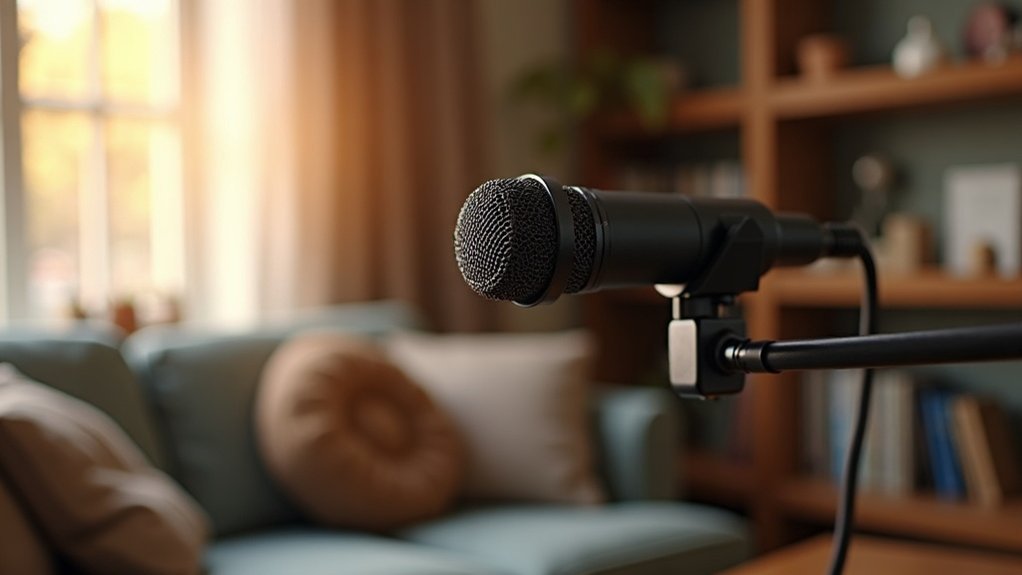
You can use a microphone without a shock mount, but you’ll likely pick up vibration noise if your environment isn’t perfectly isolated. The question of whether you can use a microphone without a shock mount depends largely on your specific situation. Condenser mics are particularly vulnerable to mechanical disturbances, while dynamic microphones handle it better due to their heavier diaphragms.
Test your setup by tapping the stand and recording to detect rumble. If you’re hearing unwanted noise, a shock mount becomes essential. For streamers and gamers recording in home studios, using a microphone without a shock mount often means dealing with desk vibrations, keyboard clicks, and movement noise—all issues that a quality shock mount eliminates.
Whether you need a shock mount when using a microphone depends on your microphone type and recording space. Musicians and podcasters working in treated rooms with solid stands may get away without one, while those in untreated spaces will find a shock mount indispensable. Even budget-friendly microphones perform significantly better when properly isolated.
The specifics of microphone shock mount necessity ultimately come down to your environment and mic sensitivity. Rather than risk subpar audio, investing in a shock mount for your microphone setup—even an affordable option—is often the smarter choice for creators serious about quality output.
Key Takeaways
- Yes, microphones can function without shock mounts in stable, vibration-free environments with minimal mechanical noise exposure.
- Dynamic microphones perform adequately without shock mounts due to heavier diaphragms that naturally reject vibrations better.
- Condenser microphones are highly sensitive to vibrations and strongly benefit from shock mounts for cleaner audio recording.
- Test your setup by recording while tapping the stand to detect vibration transfer and assess actual need.
- Skipping shock mounts saves budget but may compromise audio quality in noisy or vibration-prone recording environments.
Yes, You Can Skip the Shock Mount
If your microphone isn’t exposed to external mechanical vibration, you can safely skip the shock mount. Many project-studio setups operate without significant vibration problems, making direct mounting workable. The reality is that you can skip the shock mount entirely if your recording environment remains stable and vibration-free.
In controlled home-studio recording environments, you won’t notice shock mount benefits if stand-transmitted vibration is absent. Your stable setup and careful handling may render suspension unnecessary, allowing you to skip the shock mount as an optional accessory rather than essential equipment.
Some microphones include internal vibration isolation, further reducing external suspension needs and making it possible to skip shock mounts altogether. However, larger diaphragm microphones are more susceptible to mechanical rumbles and may benefit from isolation even in relatively stable environments. Rumble noises can still overload mic electronics if vibrations become excessive in your recording space. The choice between condenser and dynamic microphones can also influence whether vibration isolation becomes necessary for your setup.
Dynamic microphones used for podcasting or broadcasting often function reliably without dedicated shock mounts. Test your specific recording environment first—walk around your setup, tap nearby surfaces, and listen critically for rumble. Clean playback indicates you’ve eliminated the need to invest in additional isolation gear.
Before purchasing a shock mount for your affordable podcast or streaming microphone, determine whether your current setup actually requires one. Budget-conscious creators can skip the shock mount if environmental conditions support it, allowing funds to go toward other recording improvements.
Even when building a complete microphone setup for gaming or music recording, you can skip shock mount additions until vibration issues become apparent.
When a Shock Mount Actually Protects Your Recording
A shock mount actually protects your recording when your microphone sits in an environment where mechanical vibration reaches the mic stand or boom arm. You’ll notice isolation effectiveness most in spaces with foot traffic, desk movement, or household activity.
Condenser mics capturing vocals or spoken word gain the most protection from vibration sources like tapping and contact noise. Desktop setups particularly benefit from suspension that prevents table disturbances from entering your recordings.
Understanding when a shock mount actually protects your recording is crucial for affordable microphone users—whether you’re podcasting, streaming, gaming, or recording professional content. The real recording protection comes down to your specific environment. Shock mounts work by suspending the microphone to isolate it from direct contact with vibration sources.
In quiet, isolated spaces, a shock mount remains optional rather than essential for clean audio capture. But in active environments where mechanical disturbances are frequent, a shock mount actually protects your recording by decoupling the microphone from vibration transmission through your setup. When choosing between isolation solutions, comparing shock mounts and mic clips helps determine which option best suits your recording needs.
For creators and professionals on a budget, recognizing whether a shock mount actually protects your recording depends on assessing your recording space.
Gaming setups with keyboard and mouse activity, streaming stations with movement, or podcast studios with multiple people benefit significantly from this isolation technology. The protection your recording gains from a shock mount directly correlates to the vibration sources present in your environment, making it a worthwhile investment for those working in less-than-ideal acoustic conditions rather than a universal necessity for every recording scenario.
Why Condenser Mics Need Shock Mounts More Than Dynamics
Because condenser microphones use thin, lightweight diaphragms positioned near charged backplates, they’re considerably more sensitive to mechanical vibrations than their dynamic counterparts. This is precisely why condenser mics need shock mounts more than dynamics—your condenser’s heightened sensitivity means it captures room noise, handling vibrations, and stand-borne rumble more readily.
Understanding why condenser mics need shock mounts starts with recognizing that dynamic mics rely on heavier diaphragm-and-coil assemblies requiring greater sound pressure to move, delivering dynamic robustness that naturally rejects weaker mechanical disturbances. Condenser microphones require phantom power (48V) to operate, which powers the charged backplate system that makes them so sensitive to vibrations.
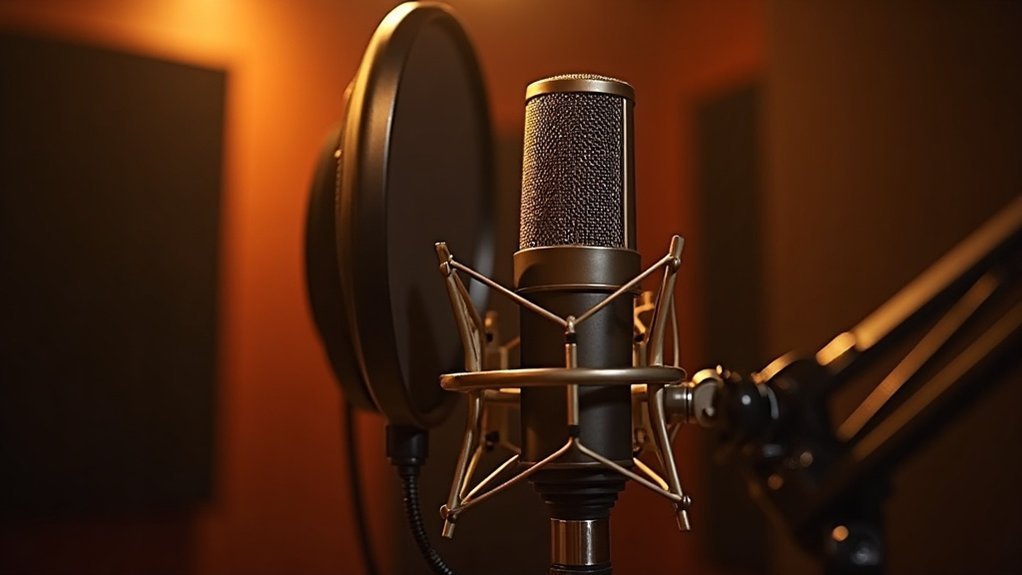
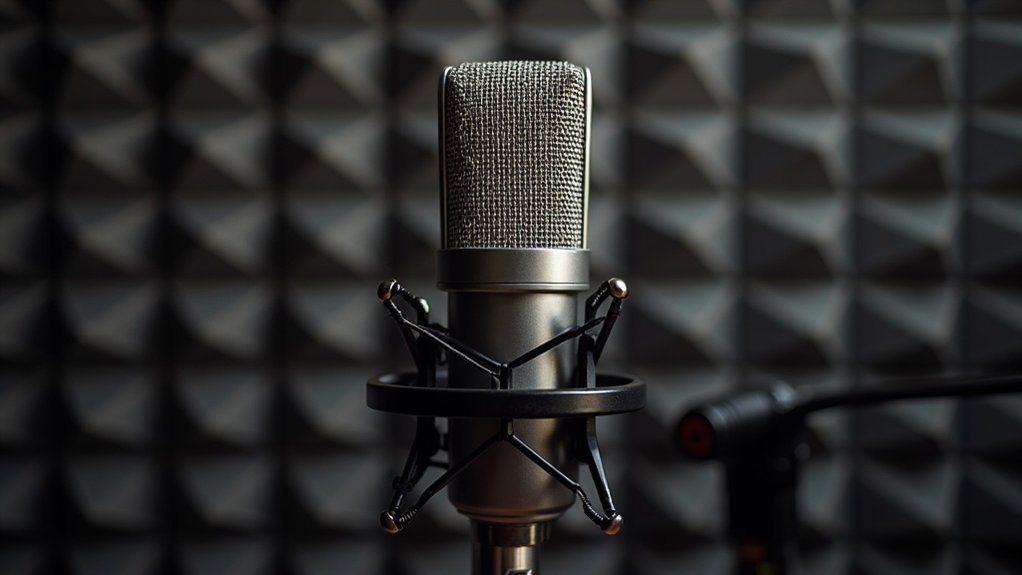
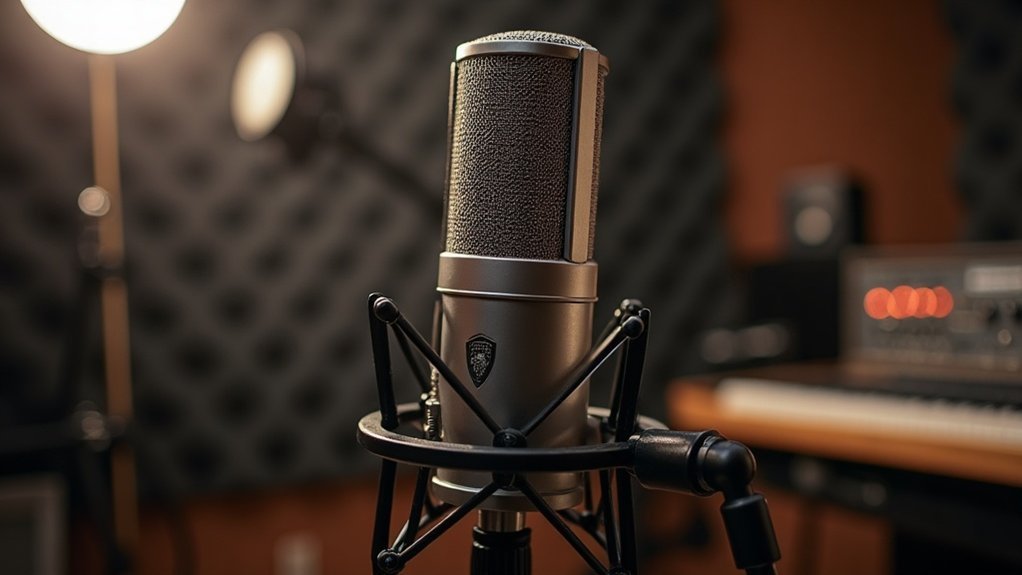
For creators and musicians building affordable recording setups, recognizing that condenser mics need shock mounts more than dynamics helps you prioritize your gear investments. A shock mount] is a mechanical isolation device designed to decouple the microphone from external vibrations and structure-borne noise. Shock mounts featuring elastic bands or springs provide superior isolation compared to clip-on alternatives. You’ll find shock mounts essential for condensers in studio settings where subtle noise becomes audible artifacts.
While dynamics can tolerate vibration better and still perform adequately without isolation, your condenser demands proper mounting to preserve recording clarity and minimize environmental interference.
Whether you’re streaming, podcasting, or recording music on a budget, this distinction between why condenser mics need shock mounts versus dynamic mic requirements directly impacts your final audio quality and can be the difference between amateur and professional-sounding recordings.
Quick Test: Does Your Setup Really Need One?
You don’t need to guess whether your setup demands a shock mount—you can test it directly. The question of whether your setup really needs one has a straightforward answer: run these practical diagnostics yourself.
Set your mic at vocal recording gain and walk around it while recording. Play back the result: clean audio means you’re fine without isolation. If rumble or thumps appear, a shock mount helps.
Next, tap your stand lightly during recording. Audible thuds indicate vibration transfer through the support structure. Consider mounting your mic on a proper stand to establish a consistent baseline for comparison. Different microphones have varying sensitivity to handling noise, so your specific model may behave differently than others in similar conditions.
When determining if your setup needs shock mount isolation, check your mic placement relative to vibration sources—floors, traffic, HVAC systems. A shock mount isolates your microphone from external vibrations and mechanical noise that can degrade recording quality. A spectrum display reveals subsonic energy below 40 Hz that your ears might miss. These tests answer the core question: does your setup really need one?
The beauty of this approach is that you’re not relying on assumptions. Whether you’re setting up for podcasting, streaming, gaming, or professional recording, these diagnostics work across every affordable microphone setup.
Run the walk test, perform the tap test, and analyze the frequency data. Your results will tell you definitively if shock mount intervention is necessary for your specific recording environment.
These practical tests eliminate guesswork and reveal exactly what your setup needs—removing the mystery from whether investing in shock mount technology will actually improve your audio quality.
Before You Buy: Run a Test Recording
How can you know whether a shock mount will actually help your setup? Run a test recording under your actual working conditions before you buy. Set your preamp to normal vocal or speech levels—low-gain tests hide rumble that emerges during real sessions.
Walk around the mic, tap nearby surfaces, and bump the stand to reveal vibration transfer. Use headphones during playback for noise analysis, inspecting frequencies below 40 Hz where rumble typically appears. Move your cable naturally and repeat several times.
Testing before you buy is essential because what works in a quiet environment may fail in your actual streaming or podcast space. This practical test recording approach reveals whether your current setup already isolates vibration effectively or if investing in a shock mount is truly necessary. Common microphone noise sources include structural vibrations, electrical interference, and environmental factors that only emerge during authentic recording sessions.
If your recordings stay clean through these tests, you’re likely fine without a shock mount—saving money on gear you don’t need.
Run a test recording in multiple scenarios: during gaming sessions with keyboard activity nearby, while streaming with movement around your desk, or in your music production setup with ambient noise present. Lower frequencies like rumble below 40 Hz will become immediately apparent when you monitor during these real-world conditions.
The before you buy philosophy means avoiding expensive solutions for problems that may not exist in your real-world conditions. Some creators find their test recording reveals that cable management or stand placement changes solve vibration issues without any additional equipment, while others discover that a shock mount becomes essential only after seeing actual results.
Document your test recording findings and compare equipment performance based on what actually matters: clean audio in your specific environment, not theoretical specifications.