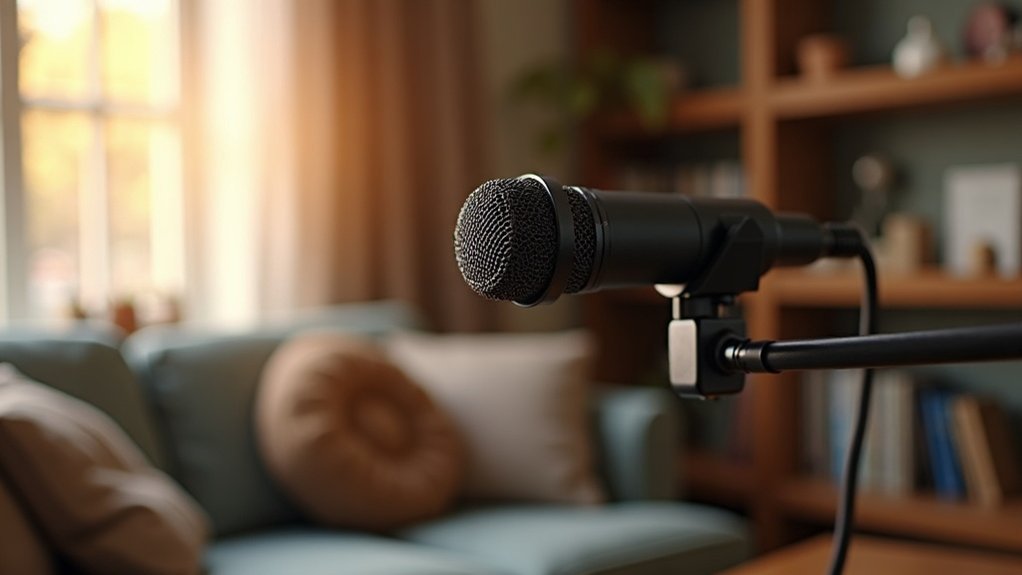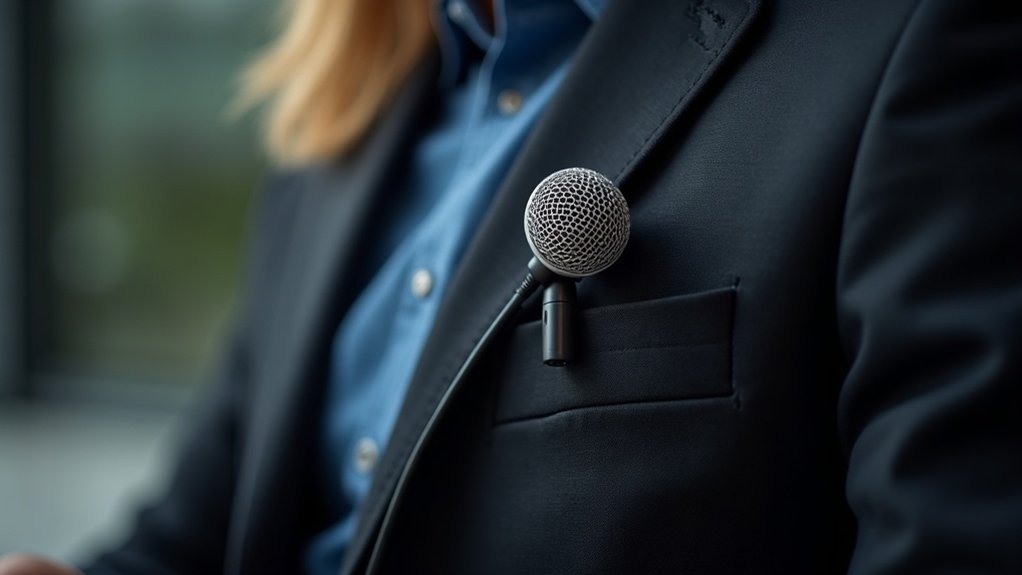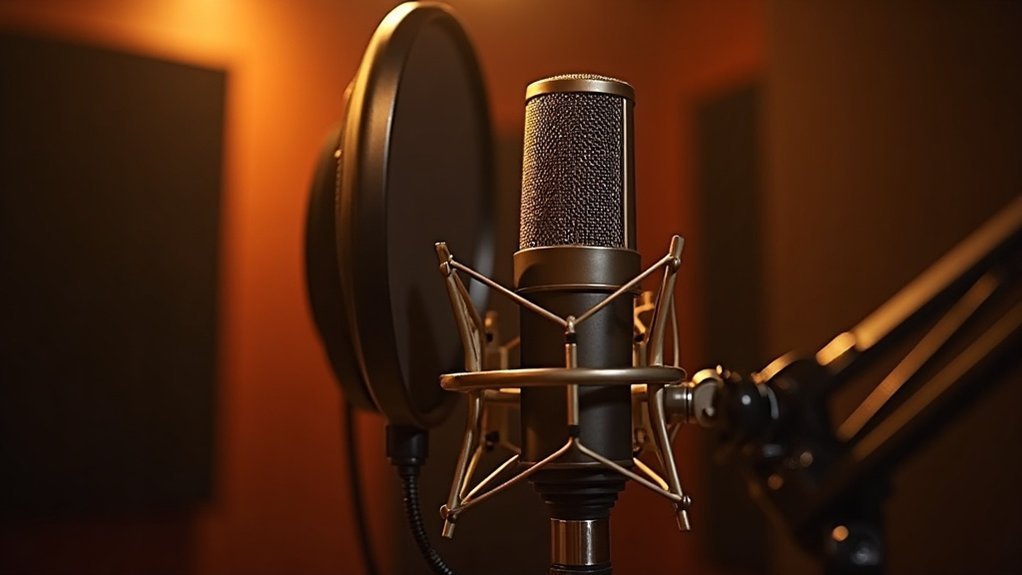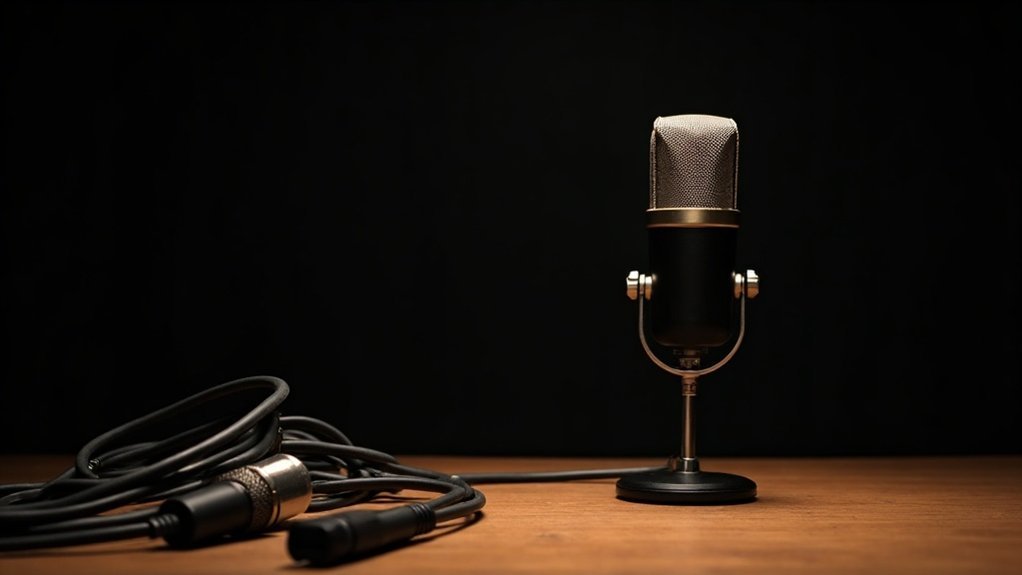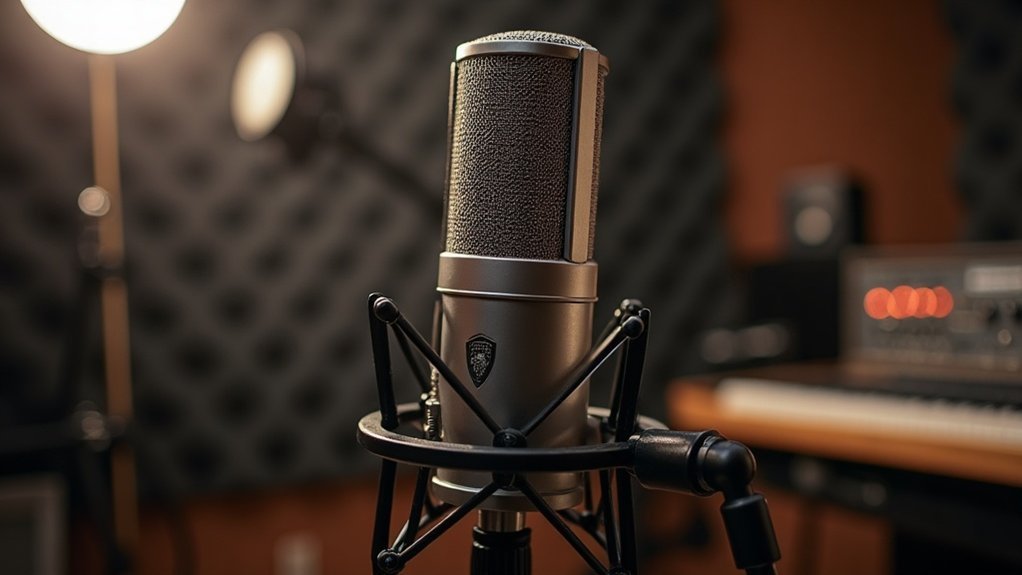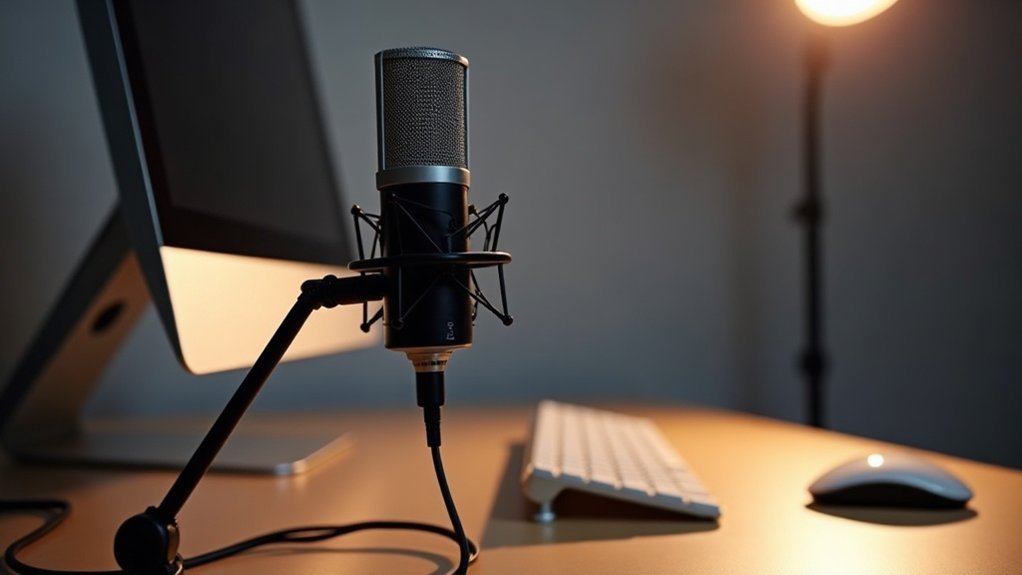
You can absolutely use a USB microphone for streaming. USB microphones for streaming deliver audio digitally over USB, eliminating the need for external audio interfaces while capturing broadcast-quality sound at 16-bit/48 kHz or higher. You’ll enjoy plug-and-play setup with automatic detection and no driver installations. USB mics feature built-in analog-to-digital converters and work reliably when connected directly to your computer.
When considering whether to use a USB microphone for streaming, proper placement four to six inches from your mouth enhances clarity and reduces background noise. Understanding which microphone type, budget tier, and software features align with your streaming environment will help you maximize your audio quality. Whether you’re a content creator, gamer, or professional, using a USB microphone for streaming offers an affordable solution that doesn’t require complex setup or additional equipment. The decision to use a USB microphone for streaming depends on your specific needs, but these versatile devices provide excellent value for anyone looking to improve their broadcast-quality audio without breaking the bank.
Key Takeaways
- USB microphones deliver broadcast-quality audio (16-bit/48 kHz or 24-bit/96 kHz) ideal for streaming without external interfaces.
- Plug-and-play setup requires no driver installation, automatically detecting and configuring upon USB connection to your computer.
- Dynamic microphones effectively reject room noise, making them suitable for streaming in untreated spaces.
- Built-in noise suppression and gain staging tools manage background noise and prevent audio clipping during streams.
- Budget options range from entry-tier ($25–$100) to premium ($200–$500+), accommodating streamers at all experience levels.
Yes, USB Microphones Work Well for Streaming
Because USB microphones deliver audio digitally over USB, they eliminate the need for an external audio interface—a streamlined approach that’s become the standard for streaming creators. You’ll capture clear, broadcast-style voice quality with modern models supporting 16-bit/48 kHz or 24-bit/96 kHz capture—specifications sufficient for professional streaming workflows.
The evidence is clear: USB microphones work well for streaming, and premium options like the HyperX QuadCast 2 and Elgato Wave:3 exemplify how USB microphone advantages translate directly to streaming audio quality. Proper microphone placement at 4–6 inches from the mouth ensures optimal sound clarity and reduces unwanted background noise during your streams. Dynamic microphones are particularly effective in untreated spaces because they reject room noise more effectively than condenser alternatives.
Beyond just working well, USB microphones have become the proven solution that works well for streaming across virtually every platform. USB microphones are designed specifically for direct computer connection, making them ideal for content creators who want plug-and-play simplicity. You’re joining the most prevalent microphone category among Twitch and YouTube creators, gaining the performance benefits that make USB microphones work well for streaming without unnecessary complexity.
This direct-connection solution delivers production-ready audio immediately, making it the practical choice for serious streamers prioritizing efficiency and results.
Whether you’re launching your first stream or scaling up your production, understanding why USB microphones work well for streaming helps you make confident purchasing decisions that align with your budget and setup requirements.
Plug-and-Play Setup Beats Configuration Headaches
Once you connect a USB microphone to your computer, the operating system detects and configures it automatically—a streamlined process that delivers the plug-and-play setup benefits that beat configuration headaches. This plug-and-play approach eliminates the driver installations and audio routing complexities associated with external interfaces, letting you skip tedious troubleshooting entirely.
You’ll select your microphone as the default input device, then verify functionality with a brief test recording. These plug and play benefits reduce setup friction considerably, letting you focus on streaming rather than wrestling with hardware complications. The plug-and-play setup process keeps everything intuitive—no technical expertise required.
Connection reliability improves when you connect directly to a computer USB port, avoiding passive hubs that compromise signal detection. This plug-and-play configuration approach works seamlessly across Windows, Mac, and Linux systems, ensuring consistency regardless of your platform. Most USB microphones are USB Audio Class compliant, meaning they require no separate driver downloads for proper functionality. The internal preamp and DAC found in quality USB microphones eliminate reliance on digital gain, reducing noise during your stream.
The straightforward workflow keeps you aligned with modern streaming standards, ensuring you’re ready to go live quickly without the configuration headaches that plague traditional audio interfaces.
For creators, gamers, musicians, and professionals, this plug-and-play setup represents the ideal balance between affordability and ease of use—no expensive external interfaces, no complex routing, no wasted time.
Whether you’re podcasting, streaming, gaming, or recording music, the hassle-free nature of plug and play technology means you invest your energy in content creation, not hardware setup.
USB vs. XLR: Choose the Right Format for Your Workflow
The signal path you choose when deciding between USB vs. XLR fundamentally shapes your streaming workflow. USB microphones offer direct simplicity—you’re plugging into your computer with no additional gear. But you’ll hit USB limitations quickly: the all-in-one design locks you into fixed hardware, constraining future upgrades.
XLR advantages become apparent as you scale. You’re building a modular chain where microphone, interface, and processing remain independent. This separation—a core distinction in any USB vs. XLR comparison—lets you upgrade individual components without replacing your entire system. XLR’s three-pin connectors use balanced cables that minimize sound distortion, ensuring cleaner audio transmission throughout your signal chain.
XLR’s balanced cables reduce noise while delivering warmer, fuller sound than USB’s digitized character. Dynamic microphones like the Shure MV7 Plus demonstrate this principle clearly, with XLR providing a warmer, more organic sound compared to their USB counterparts, making them ideal for creators who demand audio fidelity and control.
For solo creators and streamers prioritizing immediate deployment, USB works. For sustained growth, professional control, and the ability to invest in quality components over time, XLR’s flexibility wins.
Understanding this USB or XLR choice ensures your setup aligns with your trajectory as a creator, gamer, musician, or podcaster. Whether you’re just starting your recording journey or scaling to professional standards, the right format removes bottlenecks and keeps your gear investment protected for years ahead.
Single USB Mics Outperform Multi-Mic Setups (Here’s Why)
While XLR’s modularity rewards long-term scaling, single USB mics outperform multi-mic setups for solo streaming—and here’s why this matters for your workflow. A single USB microphone eliminates synchronization drift, simplifies gain staging, and reduces monitoring overhead that multi-mic setups demand.
You’re controlling one voice source rather than coordinating multiple inputs in real time. Direct USB connection removes latency concerns and external interface costs entirely. USB microphones feature built-in Analog-to-Digital Converters that handle audio conversion without requiring additional equipment.
The advantages of single USB mics compound when you’re managing a broadcast alone. These single mic advantages translate directly into solo streaming efficiency: faster setup, fewer failure points, and stronger consistency without sacrificing audio quality or budget.
For solo creators—whether you’re streaming, podcasting, gaming, or recording music—understanding why single USB mics outperform traditional multi-mic setups is crucial to optimizing your affordable microphone investment. Modern USB mics like the Blue Yeti offer 24-bit / 96 kHz quality without requiring phantom power or additional audio interfaces.
Single microphone setups deliver measurable ROI through simplified cable management, reduced troubleshooting during live broadcasts, and the ability to maintain professional audio standards without juggling multiple gain levels or phantom power settings.
This is why so many creators, gamers, and professionals choose single USB mics over more complex alternatives when they’re just starting out or managing solo projects.
Why Room Acoustics Matter More Than Microphone Price
Because room acoustics matter more than microphone price, upgrading your microphone won’t fix what your environment destroys. Reflections and reverberation blur voice detail, masking intelligibility that listeners expect. Treating first reflection points—where early bounces reach your mic—reduces destructive phase irregularities by 12–18 dB, substantially improving clarity. Acoustic treatment outperforms expensive gear in untreated spaces because controlled RT60 values (0.3 seconds) eliminate the masking that plagues raw recordings. Perceptual immersion improves significantly when room reverberation is controlled, creating a more professional listening experience for your audience.
Understanding why room acoustics matter more than microphone price is essential for creators and streamers working with budget-conscious setups. Many podcasters and gamers invest heavily in microphone hardware while overlooking the environmental factors that truly determine recording quality. Room acoustics matter more than microphone price because even a $500 microphone will sound muddy in a reflective, untreated space, while a $50 microphone in an acoustically treated room delivers professional clarity. At the critical distance of approximately 2 meters, your microphone captures a 50/50 ratio of direct sound to reverberant sound, making room treatment essential for capturing clean recordings. Acoustic panels strategically placed throughout your space absorb excess sound energy and reduce unwanted reflections that compromise recording quality.
You’ll achieve professional sound clarity by managing your room first, making even modest microphones perform excellently. This reality directly impacts your buying strategy: prioritize acoustic treatment before investing in premium microphone equipment, ensuring your affordable microphone choice sounds its absolute best.
| Factor | Untreated Room | Treated Room |
|---|---|---|
| RT60 | 0.5–1.5s | 0.2–0.4s |
| Clarity | Masked | Enhanced |
| First Reflections | Uncontrolled | 12–18 dB reduced |
| Intelligibility | Poor | Excellent |
| Treatment ROI | Low | High |
Choosing Between Dynamic and Condenser Microphones
Once you’ve treated your room acoustically, your next decision when choosing between dynamic and condenser microphones fundamentally shapes how your USB mic performs in your streaming setup.
This comparison between dynamic and condenser microphones is critical for creators and streamers seeking the right tool.
Dynamic mics excel at sound isolation and durability, requiring closer mouth positioning but rejecting background noise effectively. If you’re comparing dynamic versus condenser microphones for a noisy environment, dynamic’s robust filtering provides superior noise rejection.
Dynamic microphones excel at sound isolation and noise rejection, making them ideal for untreated recording spaces.
Condenser advantages include superior vocal clarity and sensitivity levels, though they’re more fragile and prone to picking up room ambiance.
Your environment suitability determines the best choice when selecting between dynamic and condenser microphones: noisy spaces benefit from dynamic’s robust filtering, while treated rooms leverage condenser’s detailed frequency response.
Gaming streamers and podcasters often face this exact decision—choosing between dynamic and condenser microphones based on their recording space.
Streaming preferences matter too. Prioritize durability differences and sensitivity levels based on whether you need noise rejection or nuanced vocal capture.
For professionals and musicians recording in untreated spaces, understanding the differences between dynamic versus condenser microphones can make the difference between a usable take and starting over.
Gamers in shared spaces typically find dynamic microphones more forgiving, while podcasters in dedicated studios maximize the clarity that condenser microphones deliver.
Dynamic microphones use a moving coil diaphragm to generate electrical signals, making them particularly suitable for close-mic techniques in streaming applications.
Which Software Features Actually Impact Stream Quality
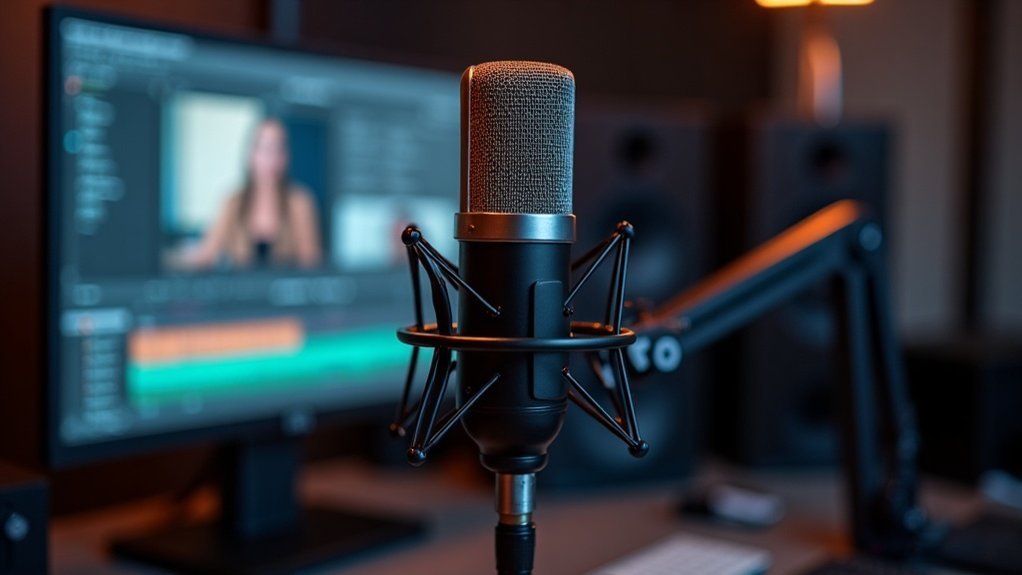
You’ll find that built-in noise suppression tools directly shape perceived audio clarity by filtering steady background noise without requiring external hardware. This makes them essential for USB microphone setups where the mic captures your entire environment.
Real-time mixing and routing let you balance your voice against game audio or music, ensuring speech remains intelligible—a critical factor since audio processing matters more than microphone type alone.
Gain staging and level control prevent clipping and unwanted peaks while keeping quieter speech audible. This means you’re establishing the foundation for downstream processing like compression and gates to work effectively.
Built-In Noise Suppression Tools
While most streamers assume that enabling noise suppression guarantees cleaner audio, the reality’s more nuanced—what actually matters depends on your noise profile and how you’ve configured your input chain. Built-in noise suppression tools like Discord’s Noise Suppression, Zoom’s background-noise filter, and Teams’ suppression work best against steady ambient noise—fans, HVAC, computer hum. You’ll find these noise suppression techniques most effective when paired with lower input gain and closer microphone placement. They don’t fix clipping or phase issues, but they do improve voice clarity quickly without extra plugins, making built-in noise suppression essential for your streaming foundation.
For creators and streamers investing in affordable microphones, understanding how to leverage built-in noise suppression features can dramatically extend your gear’s capabilities. These software-based solutions complement hardware improvements by reducing room pickup before sound ever reaches your microphone’s diaphragm. Rather than replacing quality microphone placement and gain staging, noise suppression tools amplify their effectiveness, allowing even budget-friendly setups to deliver broadcast-quality audio.
| Tool | Best For | Limitation |
|---|---|---|
| Discord/Zoom Suppression | Constant ambient noise | Won’t fix clipping |
| Noise Gates | Muting below threshold | Requires fine-tuning |
| Input Gain Control | Reducing room pickup | Manual adjustment needed |
The key to maximizing built-in noise suppression performance lies in treating it as one component of a complete audio chain rather than a standalone solution. Pair these tools with proper microphone selection and positioning to create a professional-grade setup without expensive plugins or specialized equipment.
Real-Time Mixing And Routing
Source isolation through virtual mixers lets you independently control microphones, system audio, and Discord feeds—a critical component of effective real-time audio mixing and routing. An audio interface serves as the hardware foundation that enables this source isolation by providing multiple input channels and direct monitoring capabilities.
Multi-output buses enable you to send tailored mixes simultaneously to stream, broadcast, and monitoring destinations without rebuilding each one, maintaining consistency across all outputs.
This level of real-time mixing capability ensures that whether you’re streaming gameplay, recording podcasts, or producing professional content, your affordable microphone setup delivers polished results without latency issues that undermine your production quality.
Gain Staging And Level Control
Once you’ve routed your audio sources cleanly through virtual mixers, the real work begins with gain staging and level control**—the practice of setting signal levels at each point in your audio chain so that your voice stays audible without clipping** or distortion.
Target -12 dBFS to -6 dBFS on your input meter for normal speech, preserving headroom for peaks.
Mastering gain staging is essential for streamers, podcasters, and content creators using affordable microphones, as it maximizes the quality of budget-friendly gear. Microphone gain directly influences how strong your input signal reaches your recording device before any digital processing occurs. High-pass filters around 80–100 Hz remove room rumble, while noise gates mute idle background noise.
Limiters protect against sudden peaks near -1 dBFS.
Proper level control at the source prevents clipping that later processing can’t fix. Whether you’re gaming, recording music, or streaming live content, understanding gain staging and level control fundamentals transforms even entry-level microphones into professional-sounding setups.
This foundational level control technique ensures consistent audio quality across all your content, making it one of the most critical setup tips for creators at every stage of their audio journey.
USB Microphone Budget Tiers: Which Features Matter Most
Understanding USB microphone budget tiers is essential for making smart purchasing decisions that align with your content creation goals. How you allocate your microphone budget directly shapes which performance gains you’ll actually notice in your streams.
Entry-tier USB microphone budget options ($25–$100) prioritize cardioid pickup and metal housing, ideal for beginners launching basic streaming setups. These affordable microphones focus on essential functionality without unnecessary features that inflate costs.
Mid-tier USB microphone budget selections ($100–$250) deliver the value sweet spot: 24-bit/96kHz support, zero-latency monitoring, and superior noise rejection for untreated recording environments. This tier represents where serious streamers and content creators maximize performance-per-dollar, balancing audio quality with investment.
Premium microphone budget tiers ($200–$500+) justify costs through advanced build quality, isolation features, and workflow integration across streaming platforms. These professional-grade USB mics serve creators, gamers, musicians, and podcasters who demand studio-quality output without compromising portability.
When evaluating microphone options, understanding the differences between USB and XLR microphones will help you determine which connection type best suits your streaming infrastructure and budget constraints.
| Budget Tier | Price Range | Key Priority | Best For |
|---|---|---|---|
| Entry | $25–$100 | Cardioid pattern | Beginners |
| Mid | $100–$250 | Audio quality balance | Serious streamers |
| Premium | $200–$500+ | Isolation features | Professionals |
Selecting the right USB microphone budget tier determines whether you’re investing in future-proof equipment or simply meeting immediate needs. Your buying journey across microphone budget tiers should reflect your commitment level to content creation, platform requirements, and recording environment.