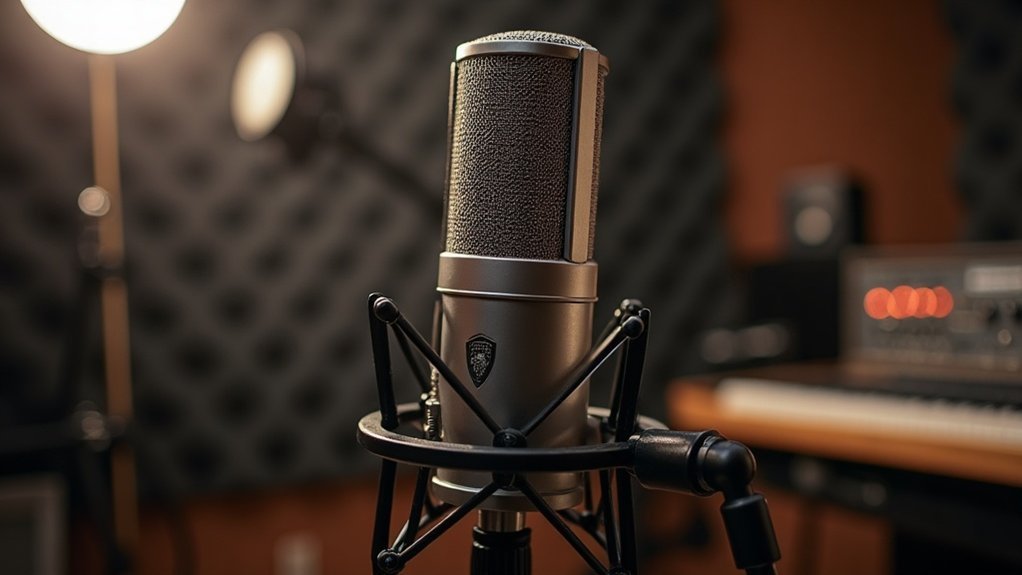
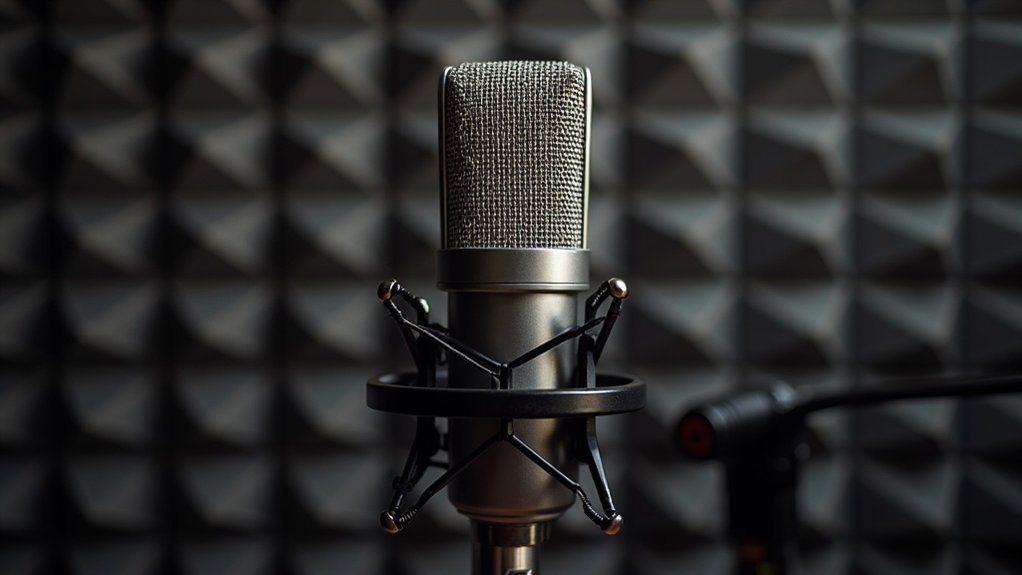
Understanding the difference between USB and XLR microphones is essential for any creator planning their recording setup. You’ll find USB microphones bundle analog-to-digital conversion internally, connecting directly to your computer via a single cable for immediate plug-and-play operation. XLR microphones, conversely, transmit raw analog signals requiring an external audio interface for preamplification and conversion.
When evaluating USB versus XLR microphones, the distinctions become clear based on your production goals. USB mics prioritize simplicity and budget-friendly setups ideal for solo podcasters, streamers, and gamers just starting their journey, while XLR systems offer professional scalability for multi-microphone collaborations and expanding studios. Understanding these differences between USB and XLR microphones helps you make informed decisions about your recording infrastructure. The gap between USB microphones and XLR microphones ultimately determines how you’ll expand your audio setup, whether you’re recording voiceovers, gaming content, or professional podcast episodes. Your choice fundamentally shapes your ability to scale from hobbyist to professional-grade production.
Key Takeaways
- USB microphones feature built-in audio interfaces with internal analog-to-digital conversion, while XLR microphones require external audio interfaces for signal processing.
- USB mics offer plug-and-play simplicity ideal for beginners, whereas XLR systems demand more complex setup but provide greater routing flexibility.
- USB microphones suit home studios, streaming, and gaming, while XLR microphones cater to professional recording and multi-microphone collaborative projects.
- USB mics need only a USB cable and computer connection, while XLR mics require XLR cables, external audio interfaces, and additional hardware.
- USB technology prioritizes speed and convenience for single-person content creation, while XLR connectors enable scalable professional audio infrastructure for advanced productions.
How USB and XLR Microphones Connect Differently
USB microphones plug directly into your computer via a single cable, delivering USB efficiency and connection simplicity without external hardware. XLR microphones demand an audio interface, offering XLR versatility through multiple interface options and routing capabilities. XLR connectors are the industry standard for professional audio installations and provide balanced signal transmission over longer cable runs.
USB microphones connect directly to your computer with plug-and-play simplicity, while XLR microphones require an audio interface for professional routing flexibility.
This fundamental distinction in how USB and XLR microphones connect impacts setup complexity, power sources, and monitoring solutions. USB provides straightforward plug-and-play compatibility for creators and gamers seeking immediate results, while XLR systems enable professional audio fidelity through external preamps for musicians and podcasters. An audio interface’s role in your recording setup becomes increasingly important as you scale from basic USB solutions to professional XLR configurations.
Understanding the differences between USB and XLR microphone connections helps streamline your setup process—USB connections work seamlessly for streaming and gaming, while XLR connections give you the routing flexibility professionals demand. For multi-person recording scenarios, XLR setups handle multiple microphones more seamlessly than USB alternatives, making them ideal for collaborative projects.
USB versus XLR microphone connection methods each serve distinct needs. The direct connection simplicity of USB suits bedroom streamers and content creators, whereas the external preamp integration of XLR satisfies recording professionals.
Your user preferences, budget constraints, and recording environment ultimately determine which USB or XLR microphone connection approach serves your needs best, whether you’re podcasting, gaming, or producing music.
Inside the Microphone: How Signals Get Converted to Digital
When you connect a USB microphone, you’re engaging with built-in analog-to-digital conversion that happens entirely within the mic’s body, whereas XLR microphones defer this conversion to your external audio interface or mixer.
Your USB mic’s internal ADC chain—comprising preamplification, anti-aliasing filtration, sampling at rates like 48 kHz, and quantization into 16 or 24-bit resolution—packages the entire process before the digital signal reaches your computer. This digital conversion process eliminates the need for additional external hardware and simplifies your setup by handling all signal processing internally. The transducer in the microphone first converts physical sound waves into electrical current before the ADC begins its work. USB microphones are typically used for recording in home studios and content creation setups where simplifying your recording setup is a priority.
Conversely, XLR mics transmit raw analog signals through the cable, requiring you to supply external conversion hardware that handles the same digitization steps but under your control.
Built-In Conversion Technology
Because USB microphones consolidate multiple processing stages into a single device, they handle signal conversion fundamentally differently than XLR microphones paired with external interfaces. The built-in conversion technology in USB mics represents a major shift in how audio reaches your computer.
You’re getting internal processing that combines capsule, preamp, ADC, and USB controller in one circuit—the core of what makes built-in conversion technology so efficient for creators, gamers, and streamers. This conversion technology integration directly affects conversion quality and noise performance—everything depends on the microphone design itself. Your gain staging occurs inside the mic body rather than external preamps, defining where level control happens. USB microphones use a device driver for seamless communication between the microphone and your computer operating system.
For podcasters and recording professionals, understanding this built-in conversion technology is essential. Modern USB mics add DSP capabilities for compression, EQ, and noise reduction before output, delivering finished signal integrity and enhanced audio fidelity without external processors. USB microphones are specifically designed for recording purposes with direct computer connectivity. Premium USB microphones like the NT-USB+ integrate APHEX® DSP technology to provide advanced audio processing directly within the microphone.
This internal conversion technology approach eliminates the need for additional gear in your streaming or gaming setup, making it ideal for affordable home recording solutions. The built-in conversion technology found in quality USB microphones provides the processing power previously requiring separate audio interfaces and outboard equipment, streamlining your entire signal chain from capsule to computer.
Analog to Digital Process
The analog to digital process happens entirely within your USB microphone’s circuitry through a carefully orchestrated chain of signal transformations. Understanding this analog to digital conversion is essential for creators, gamers, musicians, and professionals who want to maximize audio quality from affordable microphones.
Your capsule generates a weak analog signal that requires low-noise preamplification and impedance matching before reaching the analog-to-digital converter. This initial stage is critical in the analog to digital process because weak signals picked up by budget-friendly podcast and streaming microphones need proper conditioning. Anti-aliasing filters remove frequencies above half your sampling rate, preserving signal integrity and audio quality throughout the analog-to-digital conversion chain. Consistent sampling intervals are maintained by stable clocks to prevent jitter-induced audio noise during the conversion process. The sampling process achieves high-resolution measurement capability by detecting signal intensity at precise moments without requiring sequential scanning.
The ADC then samples this conditioned analog signal at fixed intervals—typically 48 kHz for recording and streaming setups—capturing discrete voltage measurements. Quantization converts these measurements into binary codes, with bit depth determining dynamic range and noise reduction capabilities across microphone types. This quantization step completes the transformation from continuous analog waveforms to the digital audio files used in podcasting, gaming, and music production.
| Stage | Function | Benefit |
|---|---|---|
| Preamplification | Boosts microvolt signals | Enhanced SNR |
| Impedance Matching | Minimizes loading effects | Reduced distortion |
| Anti-Aliasing Filter | Removes high frequencies | Clean frequency response |
| Quantization | Maps voltage to binary | Digital audio creation |
Mastering the analog to digital process helps you get the most out of affordable microphones by ensuring every stage of analog-to-digital conversion captures your best performance for streaming, podcasting, gaming, and recording applications.
External Interface Requirements
Unlike XLR microphones that output raw analog signals requiring external preamps and audio interfaces, USB microphones represent a fundamentally different approach to external interface requirements.
These microphones integrate a complete audio interface directly onto their PCB, handling every stage of signal conditioning and conversion before digital data leaves the device. You’ll find that USB microphones eliminate the need for separate gear—no mixer, no audio interface, no XLR cables required. The integrated analog-to-digital converter samples the analog waveform at a defined bit depth and sample rate to ensure proper signal digitization.
Your connection method remains straightforward: plug USB into your computer. In contrast, XLR microphones demand external interfaces to meet their technical external interface requirements, necessitating separate equipment for impedance matching, gain control, and analog-to-digital conversion. A USB audio interface built into the microphone handles all these functions internally.
Understanding these distinct interface requirements for USB versus XLR is crucial when comparing microphone types for your setup.
USB’s self-contained design streamlines your setup, reducing complexity while maintaining professional signal integrity throughout the entire signal chain. However, USB microphones rely on internal DAC components to convert analog signals to digital, which can degrade audio quality if the DAC is of low quality or becomes damaged over time.
This makes USB microphones ideal for creators, gamers, and streamers who want to minimize their external interface needs without sacrificing audio quality.
Whether you’re building a podcast setup, gaming station, or recording studio on a budget, the difference in external interface requirements between USB and XLR directly impacts your equipment investment and workspace organization.
What You’ll Need: USB vs. XLR Setup Requirements
You’ll need just a USB cable and your computer to get a USB mic running, since the microphone houses its own preamp and analog-to-digital converter internally.
With an XLR microphone, you’re building a chain that requires the mic itself, an XLR cable, an external audio interface or mixer for signal conversion and gain staging, and a separate USB or Thunderbolt connection from that interface to your computer. An audio interface acts as the central hub that converts your analog microphone signal into digital data your computer can process.
Understanding these component differences will help you determine which setup aligns with your space, budget, and expansion plans.
USB Mic Essentials
When you’re deciding between USB and XLR microphones, understanding what each setup demands becomes essential to making an informed choice. USB Mic Essentials cover the fundamentals every creator needs to know.
USB mics offer setup simplicity—you’ll need just the microphone and included cable. They integrate preamp and ADC internally, eliminating interface requirements. This streamlined approach reduces compatibility issues across devices and platforms, making USB microphone essentials perfect for podcasters and streamers just starting out.
However, USB limitations include fixed gain structures and restricted customization compared to XLR systems. For portable recording scenarios and conferencing, essential USB mic advantages shine through cost analysis and user experience.
Musicians and professionals evaluating USB mic essential features will notice these constraints affect flexibility during complex recording sessions.
Yet sound quality demands and professional applications often necessitate XLR’s expandability, making microphone types selection critical for your specific needs.
Understanding USB Mic Essentials helps you determine whether this affordable microphone category serves your gaming setup, podcast production, or streaming rig—or whether investing in XLR infrastructure better supports your long-term audio goals across recording and performance scenarios.
XLR Chain Components
Building an XLR chain components setup demands discrete hardware elements that work together in a complete signal chain, contrasting sharply with USB microphones‘ integrated approach. You’ll need an XLR microphone (dynamic vs. condenser), balanced cabling, a preamp-equipped audio interface, and proper monitoring capabilities.
Understanding XLR chain components starts with microphone selection. Condenser mics require phantom power management; dynamic types demand higher preamp gain. An XLR connector uses three pins to transmit balanced audio signals, which is why XLR cables are essential for professional-grade audio transmission.
Your audio interface—a critical part of any XLR chain components configuration—delivers mic-level amplification, A/D conversion, and headphone outputs for direct monitoring.
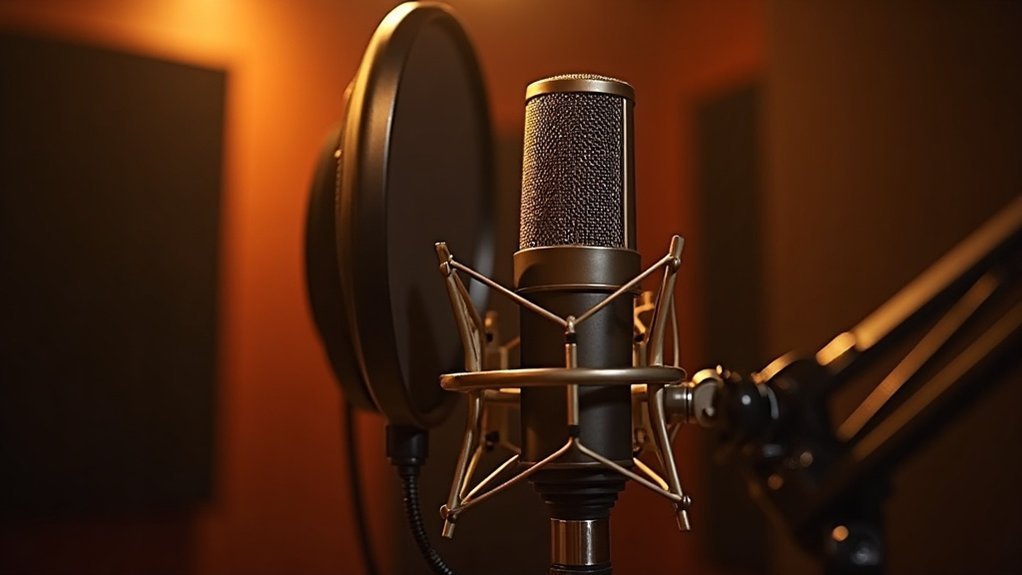
The physical accessories completing your XLR chain components include a mic stand, shock mount, and pop filter. Your interface provides dedicated gain knobs, phantom power switches, and metering, ensuring signal integrity throughout your professional setup.
For creators, gamers, musicians, and professionals building their first affordable microphone setup, properly configured XLR chain components deliver superior audio quality compared to basic USB solutions. Each component in your XLR chain components hierarchy contributes to the overall recording or streaming performance, making component selection crucial during the buying journey and setup phase.
Cable Type Doesn’t Affect Sound as Much as You Think
Although USB and XLR cables appear fundamentally different—one digital, one analog—the reality is that cable type doesn’t affect sound as much as you think. The connector format itself exerts far less influence on audio quality than most creators, gamers, and musicians assume. Your sound perception relies primarily on capsule design, preamp quality, and ADC performance rather than cable specifications.
Consider these signal integrity factors:
- Balanced XLR rejection of electromagnetic interference remains minimal over typical desktop distances where podcasters and streamers operate. Balanced audio connections use differential signaling to cancel out noise, though this advantage diminishes at shorter cable runs common in home studios.
- USB’s bit-perfect transmission either succeeds completely or fails entirely—how much cable type affects your audio depends more on connection stability than cable quality.
- Capsule and preamp dominance overshadow connector myths in audio fidelity; understanding this helps you avoid overspending on cables.
- Equipment synergy and component quality control matter far more than cables when pursuing professional results.
This principle applies whether you’re setting up for gaming streams, podcast recording, or music production.
Cable type’s effect on sound is often exaggerated in marketing, while the actual audio chain—from your microphone’s transducer through your interface’s conversion—determines professional output.
Listening tests confirm connector format doesn’t determine whether affordable microphones deliver quality results. Smart investment means prioritizing capsule quality and preamp design over premium cable purchases.
When to Choose USB: Fast Setup and Lower Cost
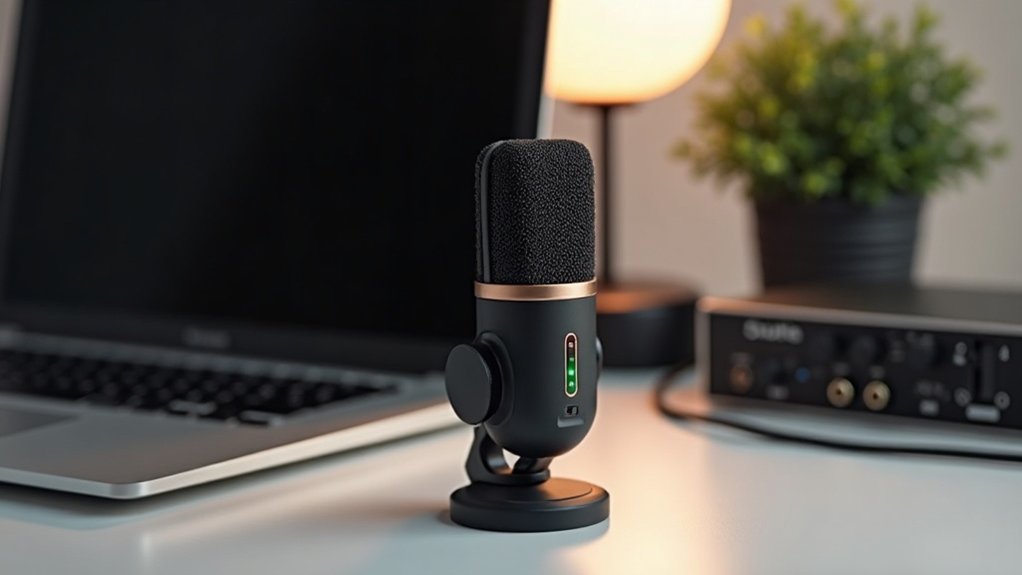
Their quick deployment makes them perfect for travel convenience and entry-level options when you need accessibility factors without technical overhead.
When to choose USB technology becomes especially clear for creators, gamers, and streamers who prioritize speed over complexity. The user-friendly design eliminates upgrade complications, while budget considerations remain central to their appeal.
USB microphone selection strengthens your setup when immediate recording matters more than advanced control, establishing them as practical, cost-effective solutions for one-person content creation and home office applications.
When to choose USB microphones** specifically shines for podcasters and recording enthusiasts entering their first setup phase. These affordable microphones remove technical barriers** that typically intimidate beginners, allowing you to focus on content rather than configuration.
For streaming environments, USB microphones are particularly suitable when streaming setup simplicity is your primary goal.
For anyone navigating the buying journey toward their first microphone purchase, choosing USB represents the most straightforward path to professional-quality audio without the learning curve of external audio interfaces or mixer requirements.
When to Choose XLR: Professional Growth and Flexibility
- Phantom power delivery enables condenser microphones and advanced recording capabilities, a key consideration when choosing XLR for professional growth and flexibility in your setup.
- Multi-track recording supports podcasts, interviews, and multi-person sessions seamlessly—essential when you choose XLR connectors for scaling your creator or musician workflow.
- Signal chain control via mixers and interfaces provides EQ and compression processing, the professional growth advantage you gain when choosing XLR infrastructure for your streaming or recording environment.
- Long cable runs maintain audio integrity across studios and live venues, enabling the flexibility that comes with XLR selection for both stationary and mobile recording setups.
You’re investing in scalable professional audio infrastructure that supports your growth trajectory.
Whether you’re transitioning from USB setups or building a multi-microphone podcast studio, choosing XLR represents a commitment to professional-grade flexibility and expandability that evolves with your needs as a creator, musician, gamer, or recording professional.