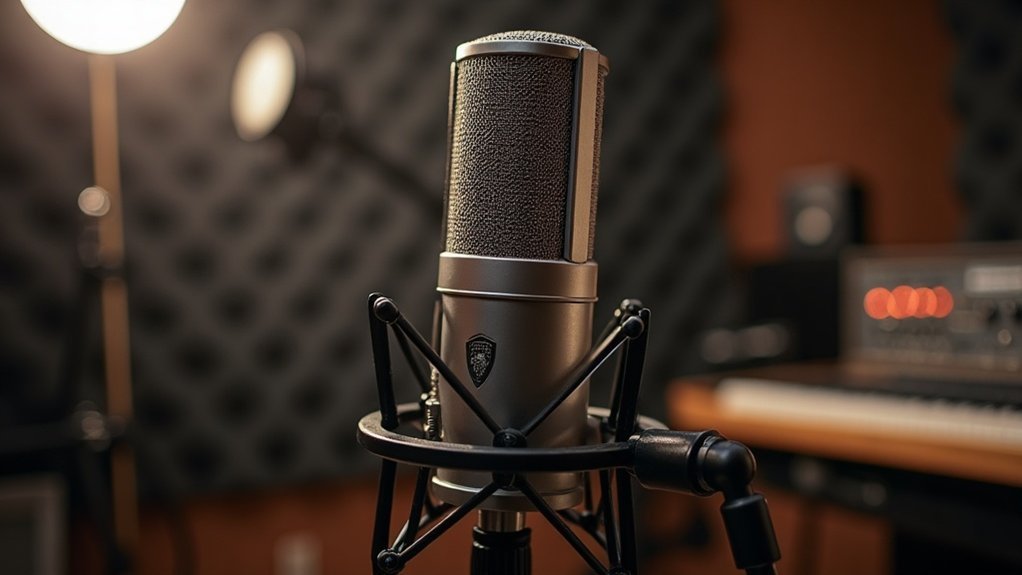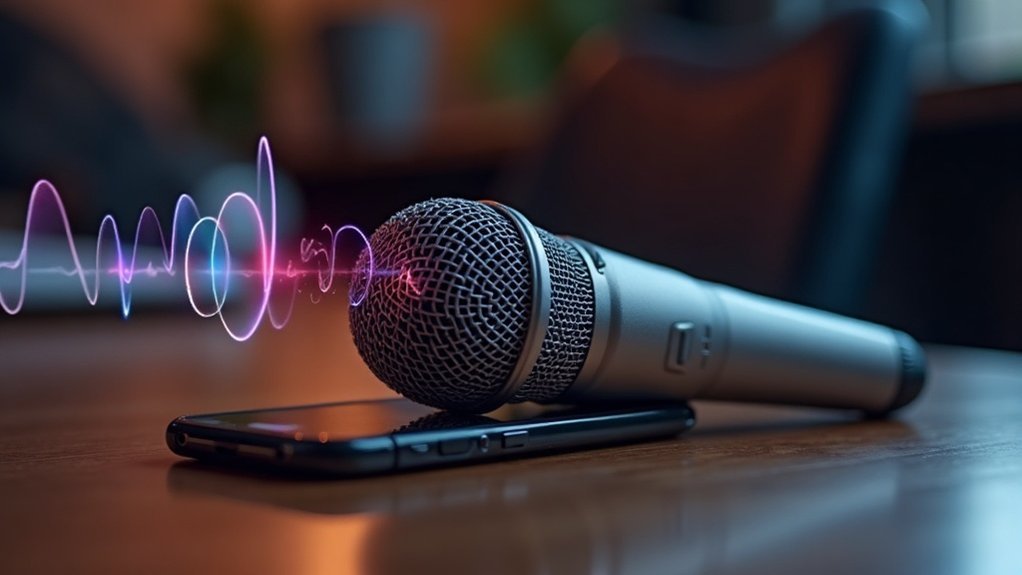
A Bluetooth microphone captures sound waves and converts them into electrical signals using transduction. This essential function is at the heart of how a Bluetooth microphone works. It processes these signals through an analog-to-digital converter (ADC), sampling the sound at precise intervals. Once digitized, the audio is transmitted wirelessly via Bluetooth, utilizing efficient audio codecs that compress the data for optimal clarity. For peak performance, it’s important to maintain close proximity to the microphone, ensuring a reliable connection. To enhance your understanding further about how a Bluetooth microphone works, there’s much more to explore regarding pairing, codecs, and selecting the right microphone for your needs, whether you’re a creator, gamer, or musician.
Key Takeaways
- Bluetooth microphones convert sound waves into electrical signals using transduction, typically through dynamic or condenser microphone technology.
- The analog signal is digitized via an analog-to-digital converter (ADC), sampling and quantizing for clarity and storage.
- Pairing involves placing the microphone in pairing mode and connecting it to a device through Bluetooth settings within close proximity.
- Audio data is transmitted wirelessly using codecs, which compress and encode the audio for efficient transmission while ensuring quality.
- Battery longevity and build materials are crucial for durability and uninterrupted performance, enhancing usability in various recording environments.
How Sound Becomes Digital: The Capture Process
When sound enters a microphone, it undergoes a complex transformation into a digital format, illustrating how sound becomes digital: the capture process.
Microphone types, such as dynamic or condenser, convert air pressure changes into electrical signals via a diaphragm. This initial analog output is often weak, necessitating preamplification for effective signal processing. Interestingly, transduction is essential for this conversion, enabling the microphone to function effectively. The diaphragm’s movement is influenced by sound waves, which is crucial for accurate transduction.
The conditioned signal retains its integrity until it reaches an analog-to-digital converter (ADC), which samples it at regular intervals, a crucial step in the journey of how sound becomes digital. This process ensures that the sample rate is sufficient to capture the nuances of the original sound wave.
The conditioned signal maintains its quality until it encounters the ADC, which samples it at critical intervals, marking a pivotal transformation into digital.
After sampling, quantization assigns numeric values, forming binary data that accurately represents the sound wave. This digital format enables storage, editing, and transmission in Bluetooth microphones, ensuring clarity and accuracy throughout the entire capture process.
Understanding how sound becomes digital is essential for creators, gamers, and musicians seeking to optimize their audio experience.
How to Pair Your Bluetooth Microphone: Essential Steps
Understanding how sound is captured and converted into a digital format sets the foundation for effectively using Bluetooth microphones.
To pair your Bluetooth microphone, first confirm it’s charged and in pairing mode by pressing its power button for 3–5 seconds. Keep it close to the receiving device, ideally within 1 metre. It’s important to ensure that the microphone is within this 1 metre range to facilitate a stable connection. One device must scan while the other advertises to ensure a successful pairing.
Open your device’s Bluetooth settings, enable Bluetooth, and scan for devices. Select your microphone’s specific name from the list. If prompted, enter the default code like 0000. Verify the connection status shows “Connected.”
If you encounter challenges while trying to pair your Bluetooth microphone, repeat the process, ensuring both devices are discoverable and close together.
Mastering these essential steps will enhance your experience with Bluetooth microphones, making them a valuable tool for creators, gamers, and musicians alike.
What You Need to Know About Bluetooth Audio Codecs
Bluetooth audio codecs play an essential role in how your microphone captures and transmits sound wirelessly, making it crucial to understand what you need to know about Bluetooth audio codecs. These codecs compress audio data for efficient transmission, which directly impacts clarity, latency, and battery usage.
When exploring Bluetooth audio codecs, comparisons reveal that while SBC offers basic quality, advanced options like LDAC and aptX Lossless provide superior fidelity at higher bitrates. However, it’s important to note that higher quality often comes with increased latency. Audio compression principles are fundamental in determining how effectively a codec can optimize sound quality while minimizing data size. In addition, the selection of codec compatibility is vital for ensuring optimal performance across different devices.
For real-time applications, low-latency codecs like LHDC LL and LC3 are vital. Choosing the right codec is essential to ensure your microphone delivers clear sound while minimizing delays.
Audio Transmission to Playback: The Complete Journey
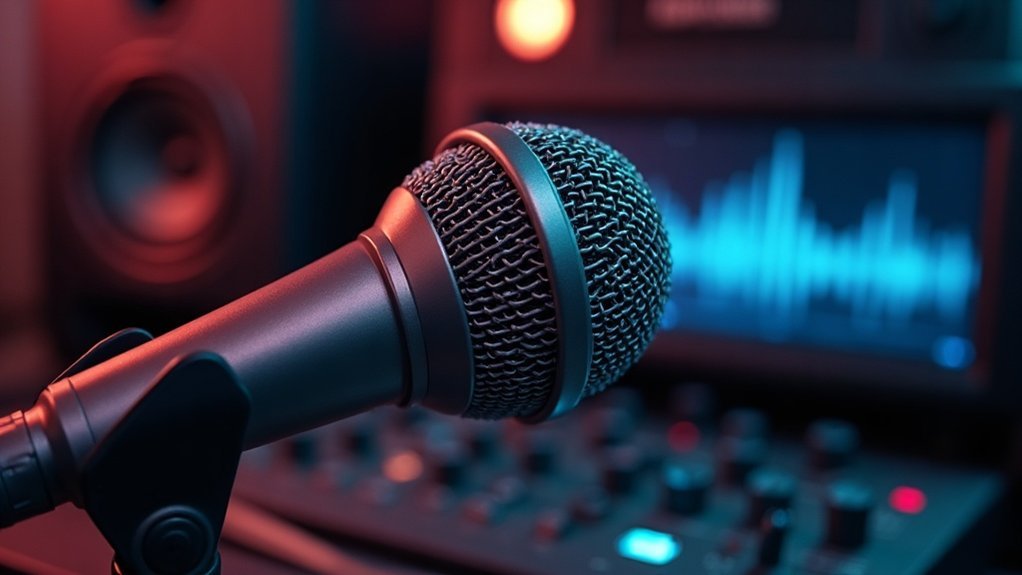
As sound waves travel into a microphone, they initiate a complex journey that transforms audio signals into digital data, ultimately delivering clear playback through various devices. This journey is essential for understanding audio transmission to playback: the complete journey. It encompasses audio sampling, digital encoding, and signal processing. Once Bluetooth pairing establishes a secure connection, the audio is transmitted wirelessly via frequency modulation. Noise filtering enhances clarity, while audio compression optimizes transmission efficiency. Bluetooth microphones utilize a three-step sequence to ensure effective audio capture. The following table summarizes key stages in this complete audio transmission journey:
| Stage | Process | Technology |
|---|---|---|
| Capture & Conversion | Analog to digital | ADC, DSP |
| Bluetooth Pairing | Secure link establishment | 2.4 GHz ISM band |
| RF Transmission | Modulation to RF signals | Frequency hopping |
| Reception & Decoding | Reconstructing audio | Bluetooth stack |
| Playback | Output to speakers | A2DP, HFP profiles |
Understanding audio transmission to playback is crucial for creators, gamers, and musicians as they navigate the essential processes involved in achieving high-quality sound. Each step in this complete journey influences the final output, ensuring that whether you’re podcasting, streaming, or gaming, the audio remains crisp and clear. The role of microphone types plays a significant part in determining the clarity and fidelity of the captured sound. Additionally, the use of digital signal processors enables more sophisticated manipulation of the audio before playback.
How to Choose the Best Bluetooth Microphone for Your Needs
Choosing the best Bluetooth microphone for your needs requires careful consideration of your specific requirements and usage scenarios.
When determining how to choose the best Bluetooth microphone, assess your podcast requirements and preferred microphone types, such as handheld or lavalier, based on your environment. Wireless microphones are particularly popular for live events due to their convenience and mobility.
Prioritize sound quality and noise cancellation features to ensure clarity, particularly in noisy settings. Recent improvements in Bluetooth LE Audio have enhanced battery efficiency and reduced latency, making it easier to find a reliable microphone.
Evaluate wireless range to maintain stable connections during use; for example, many models offer ranges of up to 98 ft/30 meters for optimal performance.
Battery longevity is crucial for extended sessions, so look for models with robust build materials.
Additionally, directional patterns, such as cardioid or omnidirectional, can significantly enhance voice capture.