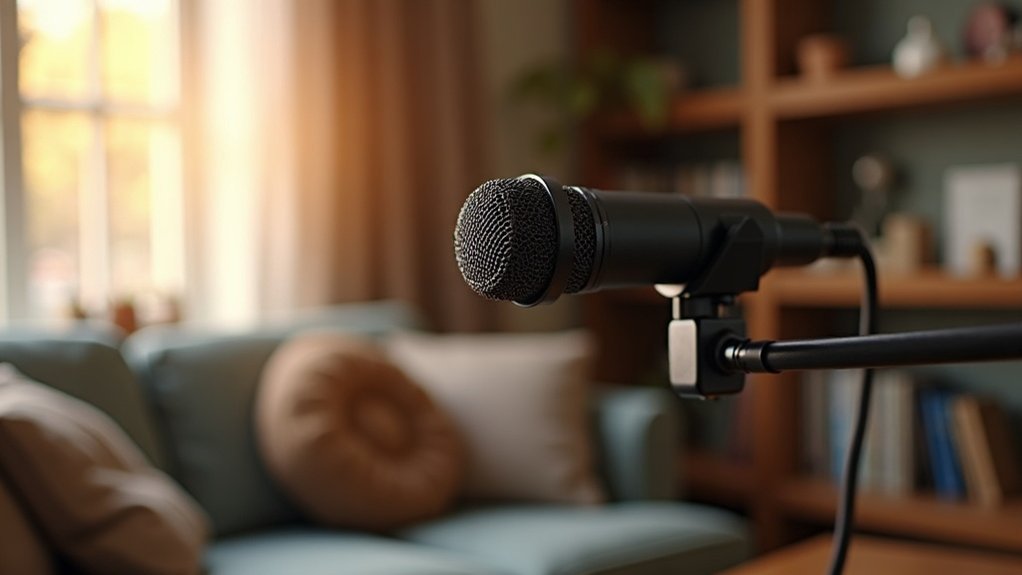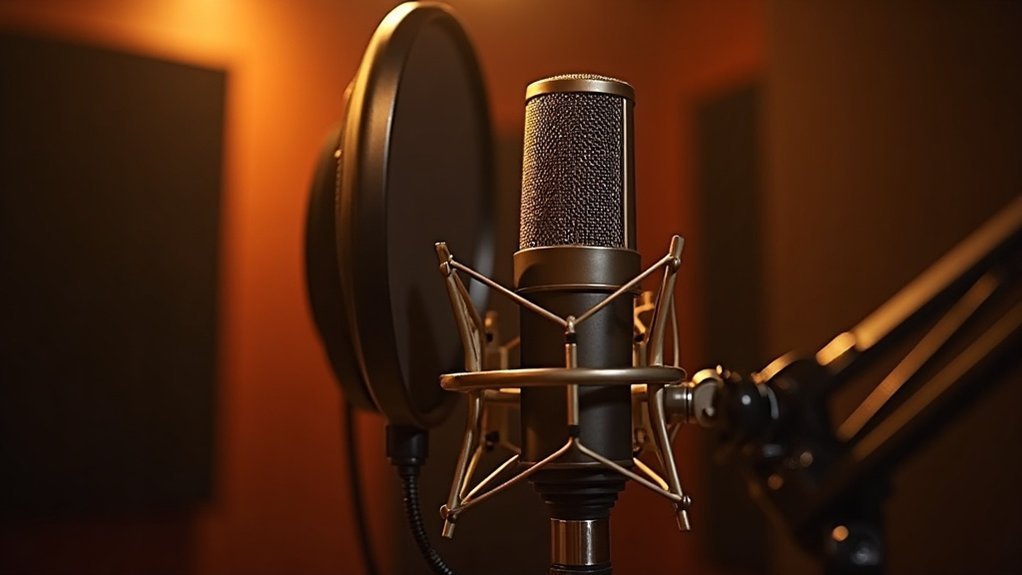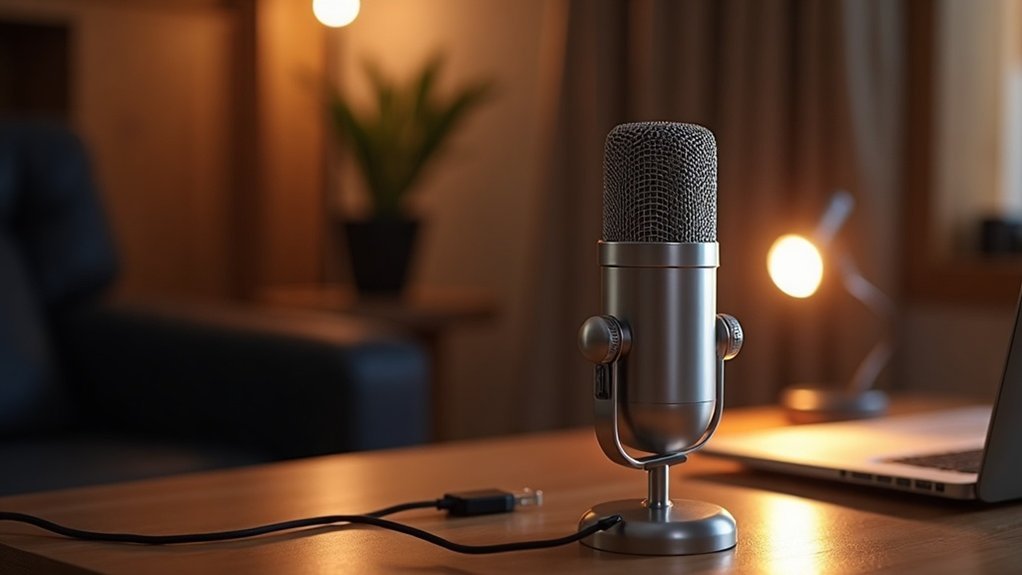
A USB microphone is a digital audio device that connects directly to your computer via USB, simplifying your recording process. This type of microphone combines a microphone capsule with a preamplifier and an analog-to-digital converter, ensuring high-quality sound capture for applications like podcasting and streaming. The convenience of a USB microphone lies in its plug-and-play functionality, allowing for quick setup without the need for additional hardware. By understanding the different components of a USB microphone and optimizing your setup, you can significantly enhance your audio experience, leading to better recordings and clearer communication. Keep exploring our resources to discover key tips and best practices for getting the most out of USB microphones, tailored specifically for creators, gamers, musicians, and professionals.
Key Takeaways
- A USB microphone connects directly to computers via USB, enabling digital audio recording and streaming without additional equipment.
- It combines a microphone capsule, preamplifier, and analog-to-digital converter for seamless sound capture and conversion.
- USB microphones are plug-and-play, making them user-friendly for podcasting, streaming, and online communication.
- Various capsule types, like cardioid and omnidirectional, cater to different audio environments and recording needs.
- They are compact and portable, ideal for remote recording and content creation, ensuring high-quality audio.
What Is a USB Microphone and How Does It Work?
A USB microphone is a specialized audio capture device that connects directly to your computer via a USB port, enabling you to record or stream sound in a digital format. This all-in-one unit integrates microphone technology, preamplifier, and analog-to-digital converter, converting sound waves into digital audio seamlessly.
The microphone capsule captures acoustic energy, while the internal preamplifier boosts the weak signal, optimizing the signal-to-noise ratio. The analog-to-digital converter transforms this signal into a digital format, transmitting it through the USB bus to your computer. This setup simplifies your audio workflow, making it ideal for podcasting, streaming, and online communication. Additionally, many USB microphones are plug-and-play, allowing for quick setup without the need for complicated installation processes.
Understanding what a USB microphone is and how it works can greatly enhance your recording quality, whether you’re a creator, gamer, or musician. Digital audio technology has made it easier than ever to produce high-quality sound. By utilizing a USB microphone, you can elevate your podcasting and streaming endeavors, ensuring that your audio stands out in a crowded digital landscape. Furthermore, these microphones offer a cost-effective solution for achieving high-quality recordings in minutes.
Key Components of a USB Microphone Explained
Understanding the key components of a USB microphone** reveals the technology behind its impressive audio performance. These essential elements play a crucial role in ensuring high-quality recordings** for creators, gamers, musicians, and professionals alike:
- Microphone Capsule: This key component converts sound into an analog signal, utilizing various microphone types to deliver distinct audio characteristics suited for different applications.
- Internal Preamplifier: Acting as a vital enhancement, this component boosts low-level output, ensuring clarity and stability during signal processing, which is critical for capturing nuanced audio. USB microphones are particularly favored for their convenience in setup and ease of use.
- Analog-to-Digital Converter (ADC): This essential part transforms the amplified signal into high-quality digital audio data, making it indispensable for modern recording setups. USB mics are particularly valued for their ability to provide convenient audio capture without the need for additional equipment.
- USB Interface: This component facilitates seamless data transmission and power supply, providing the plug-and-play functionality that’s a hallmark of USB microphones.
Together, these key components of a USB microphone significantly enhance recording quality, allowing you to effortlessly capture every nuance of your voice or instrument. This makes it an excellent choice for podcasting, streaming, and gaming.
Why Choose USB Microphones Over Traditional Options?
Why choose USB microphones over traditional options? The affordability comparison is striking; by opting for USB microphones, you eliminate the need for separate preamps or mixers, which considerably lowers your initial investment. Additionally, USB microphones are often designed for ease of use, making them accessible to a wider range of users.
USB microphones offer a seamless user experience with plug-and-play connectivity, requiring no technical setup. Their compact design enhances portability, making them ideal for remote recording. With integrated controls, you can manage audio directly at the mic, streamlining your workflow. Additionally, they are often easier to set up for simple tasks like voiceovers compared to traditional setups. Furthermore, these microphones provide limited sound quality compared to traditional options, making them suitable for casual users.
Moreover, these microphones are compatible with various devices, ensuring versatility for podcasting, streaming, or conferencing. Ultimately, USB microphones provide excellent audio quality without the complex setups associated with traditional options, inviting you to create with confidence and ease.
Embracing USB microphones over traditional options not only makes financial sense but also simplifies the entire recording process for creators, gamers, musicians, and professionals alike.
Top Uses for USB Microphones Today

USB microphones have become essential tools for various applications, including podcasting, content creation, and video conferencing. Their plug-and-play functionality guarantees seamless integration with popular platforms, enhancing audio quality for both creators and professionals. Additionally, audio quality importance has surged as remote work solidifies its place in the professional landscape, making USB microphones a key asset for clear communication. The increasing demand for high-quality audio is driving many streamers to consider USB options. Whether you’re recording a podcast or participating in virtual meetings, a USB mic can greatly elevate your audio experience. The rise of professional reviews further underscores the importance of selecting the right microphone to ensure optimal sound quality.
Podcasting and Content Creation
These USB microphones are perfect for:
- Seamless podcast promotion with high-quality audio.
- Effortless audio editing thanks to plug-and-play functionality.
- Streamlined equipment maintenance, reducing technical headaches.
- Efficient guest interviews, allowing you to focus on conversation and utilize multiple pickup patterns for versatile sound capture.
With their compact design and superior sound, these affordable microphones for podcasting empower you to create professional content without the complexity. Additionally, their plug-and-play setup means you can start recording almost immediately. An audio interface can further enhance your recordings by providing better sound quality and expanded connectivity options.
Propel your projects forward—your audience deserves the best audio experience you can deliver.
Whether you’re a gamer, musician, or creator, investing in the right microphone can significantly elevate your production quality and listener satisfaction.
Video Conferencing Solutions
As remote and hybrid work environments become the norm, the demand for high-quality audio solutions in video conferencing solutions has surged. USB microphones enhance audio clarity for platforms like Zoom and Microsoft Teams, enabling effective remote collaboration.
Their cardioid and dynamic designs reduce background noise, ensuring clear communication during meetings. Organizations benefit from plug-and-play connectivity, minimizing IT support needs while standardizing equipment.
With omnidirectional options for group settings and features like mute controls, USB microphones elevate professional etiquette in video conferencing solutions. Additionally, using Bluetooth microphones can provide further flexibility in audio capture, catering to various environments and user needs.
By adopting these audio enhancement tools, teams can achieve clearer discussions, reduce misunderstandings, and foster a stronger sense of belonging in virtual interactions.
Investing in the right audio solutions can greatly enhance the overall experience of video conferencing, making discussions more productive and inclusive.
Gaming and Voice Chat
When it comes to affordable microphones for podcasting, streaming, gaming, and recording, USB microphones play a crucial role in improving team dynamics by facilitating effective communication and refining gaming strategies.
Here are four key benefits:
- Enhanced clarity: Experience natural voice quality for precise callouts, ensuring every teammate hears your instructions clearly.
- Noise rejection: A good microphone allows you to focus on your voice, minimizing distractions from in-game sounds.
- Easy setup: With plug-and-play convenience, high-quality microphones let you join your team quickly and effortlessly.
- Affordability: Enjoy superior audio quality without breaking the bank, fostering a sense of belonging in gaming communities.
Moreover, using headset microphones can further improve communication during intense gaming sessions.
Investing in a high-quality microphone can elevate your gameplay and strengthen your team, making it an essential tool for any serious gamer.
Whether you’re podcasting, streaming, or just enjoying a casual gaming session, the right microphone can significantly enhance your experience.
How to Set Up Your USB Microphone: A Step-by-Step Guide
Setting up your USB microphone properly is crucial for achieving peak audio quality. In this step-by-step guide on how to set up your USB microphone, follow these actions for optimal performance:
| Step | Action | Tip |
|---|---|---|
| Connect | Use the provided cable to plug directly into USB | Confirm the cable type matches your microphone |
| Confirm Detection | Check sound settings or system preferences | Set your microphone as the default input device |
| Adjust Levels | Modify the input volume in the properties panel | Aim for half to three-quarters on the scale |
Additionally, implementing microphone maintenance tips and effective cable management strategies will promote longevity and reliability of your device. After completing the setup process, it’s essential to test recordings to verify clarity and quality before final use. This will ensure that your USB microphone is perfectly configured for podcasting, streaming, gaming, and recording. Remember that a USB audio interface can enhance the audio quality even further, helping you achieve higher sound fidelity in your recordings.
Essential Considerations for Selecting Your Ideal USB Microphone
What factors should you consider when selecting your ideal USB microphone? Understanding your needs guarantees you choose the right microphone types for your usage scenarios, especially when it comes to affordable options for podcasting, gaming, and streaming.
- Capsule Type: For solo use, a cardioid pattern is best, while omnidirectional mics work well in group settings.
- Noise Environment: Dynamic microphones excel in untreated spaces, making them perfect for various recording environments.
- Max SPL: Selecting a microphone with higher SPL handling for loud sources helps prevent distortion, ensuring clarity in your recordings.
- Technical Specs: Aim for 48 kHz / 24-bit specifications to achieve the best sound quality. Additionally, consider the capsule type of microphone, as it significantly impacts the sound capture and recording quality.
These essential considerations for selecting your ideal USB microphone will help you find a model that not only meets technical requirements but also enhances your overall recording experience, keeping you connected to your audience.
How to Optimize Your USB Microphone for Best Performance
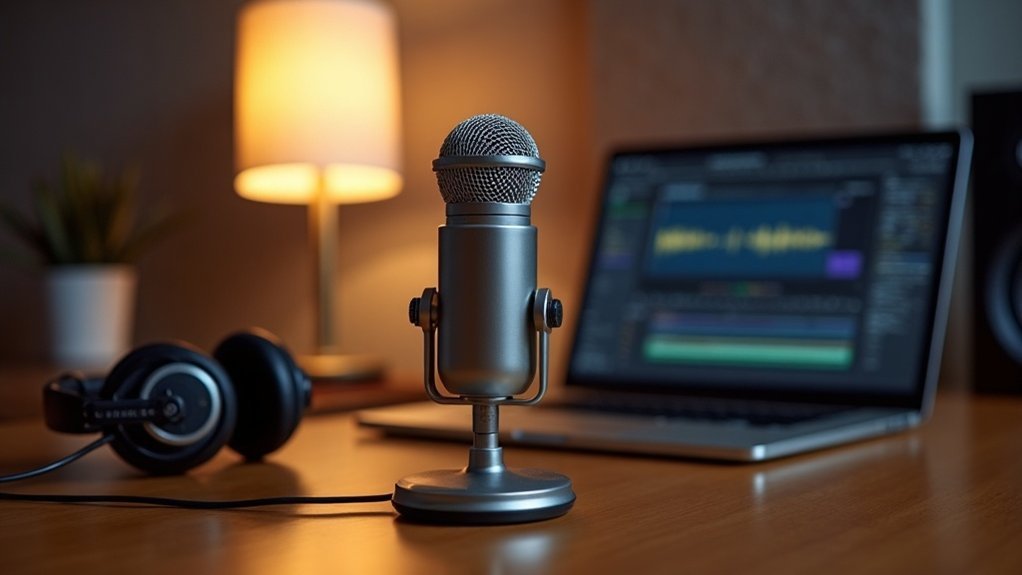
Optimizing your USB microphone for the best performance is essential for achieving high-quality sound and reducing unwanted noise. Start by employing effective mic positioning techniques, maintaining a distance of 6–12 inches, and angling the mic off-axis to minimize plosives.
To further enhance your recording environment, consider incorporating acoustic treatment options like soft furnishings and portable panels, which can significantly dampen reflections.
Incorporate soft furnishings and portable panels to effectively dampen reflections and elevate your recording environment.
Ensure that your microphone connects directly to USB 2.0/3.0 ports for stable power delivery. When adjusting your settings, aim to set your gain around 75%, targeting recording levels between -18 to -12 dB.
Consistently monitor your levels, and be mindful of your mic’s polar pattern to capture clear, balanced sound without interference from ambient noise. Additionally, understanding how an audio interface functions can help you make informed decisions about your recording setup. By following these tips on how to optimize your USB microphone for best performance, you’ll be well on your way to producing professional-quality audio for your podcasts, streams, or recordings.
What to Watch Out for With USB Microphones?
When using USB microphones, you need to be aware of potential audio quality variations that can arise from placement and environmental factors. Connectivity limitations, such as compatibility issues and connection stability, can greatly impact performance. Additionally, handling noise issues can distort your recordings, making it essential to address these concerns proactively. Furthermore, background noise can often seep into recordings due to external conditions, so it’s crucial to create a controlled recording environment.
Audio Quality Variations
As you explore USB microphones, be mindful of audio quality variations that can greatly impact your recordings. Understanding these audio quality variations is crucial for creators, gamers, musicians, and professionals alike.
Here are key factors to take into account:
- Bit Depth & Sample Rate: Entry-level mics often limit dynamic range and audio fidelity, affecting the overall sound quality.
- Component Quality: Cheaper models may introduce noise and interference, which can compromise the clarity of your recordings.
- Capsule Type: Condenser mics tend to capture more environmental noise, while dynamic microphones excel in noisy settings, making them preferable depending on your recording environment.
- Gain Settings: Incorrect gain can lead to distortion or thin audio, negatively influencing your overall audio quality.
By grasping these audio quality variations, you can ensure that your recordings sound their best, fostering a sense of belonging in your audio community. Additionally, understanding frequency response is essential for selecting the right microphone for your needs.
Choose wisely to elevate your recordings and make the most out of your USB microphone experience!
Connectivity Limitations
While USB microphones offer convenience and ease of use, they come with notable *connectivity limitations* that can hinder your recording experience.
You may face USB compatibility challenges, as many devices don’t support these microphones. Cable length restrictions can complicate microphone placement, limiting flexibility in your setup.
When considering *connectivity limitations*, multi-device synchronization often results in driver conflict concerns, making simultaneous use of multiple USB mics tricky.
Power delivery issues may arise with mobile devices, restricting functionality and further highlighting these *connectivity challenges*.
Additionally, bus bandwidth limitations can lead to unstable connections, complicating interface integration.
Awareness of these factors is essential for achieving the best performance from your USB microphone setup, especially when navigating the intricate landscape of *connectivity limitations*.
Handling Noise Issues
To effectively handle noise issues with USB microphones, you need to be aware of several key factors that can compromise audio quality. Addressing noise issues is crucial for creators, gamers, musicians, and professionals seeking optimal performance.
Consider these strategies for ideal performance:
- Power stability: Ensure proper grounding solutions to prevent humming or buzzing, which can exacerbate noise issues.
- Placement strategies: Keep your mic away from EMI sources like routers and power strips to mitigate noise interference.
- Gain management: Adjust microphone gain to avoid amplifying background noise, a common concern when dealing with noise issues.
- Cable quality: Use high-quality cables to minimize interference and improve noise reduction, significantly impacting how you handle noise issues.
Additionally, incorporating tools like a noise gate can further enhance audio clarity by effectively managing unwanted noise in your recordings.