Which Microphone Type Is Good for Streaming
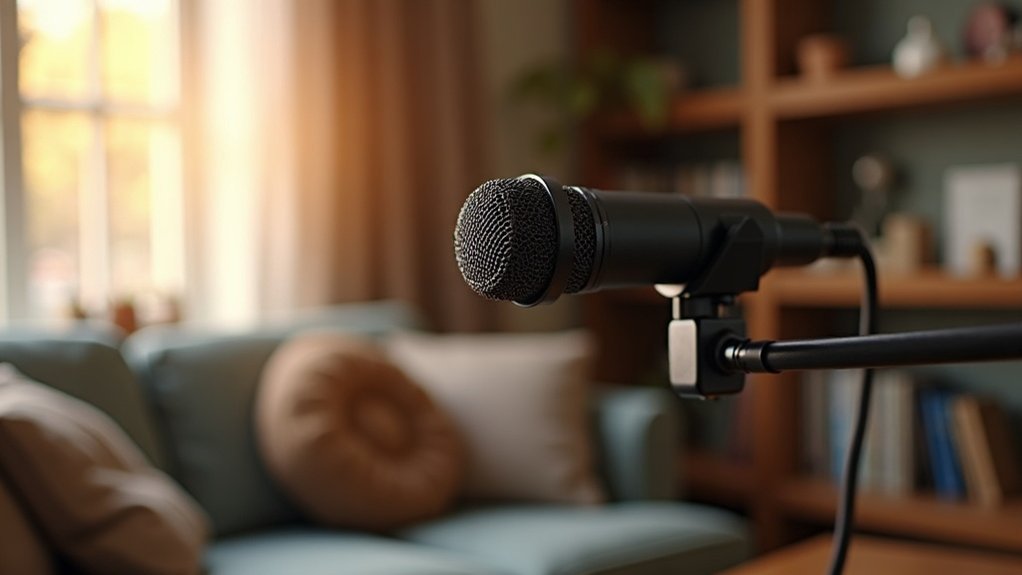
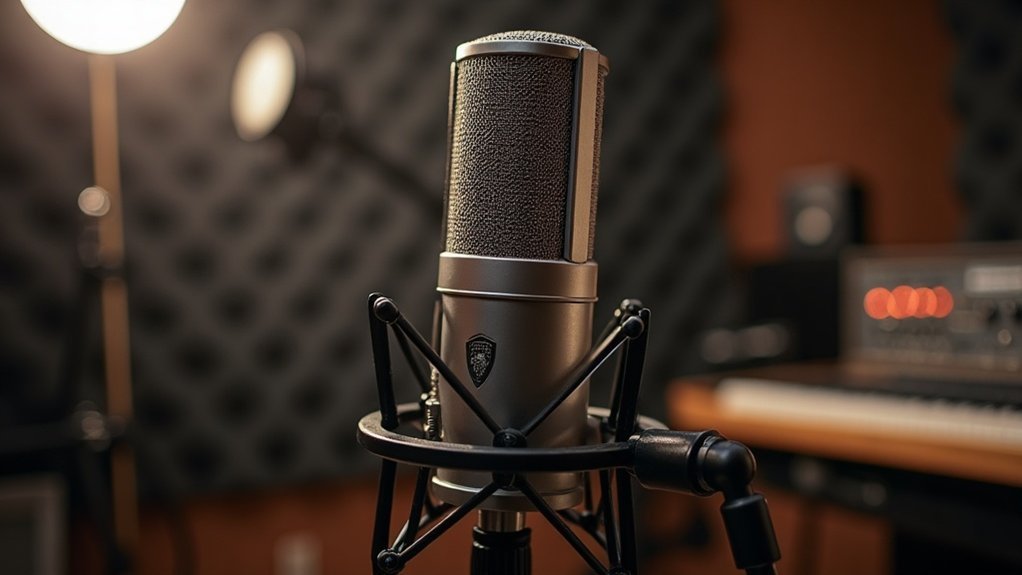
When determining which microphone type is good for streaming, a dynamic microphone with a cardioid polar pattern stands out as the ideal choice. This microphone type excels at rejecting room noise while capturing voice clarity without requiring treated acoustics. Dynamic mics perform exceptionally well in untreated environments due to their lower sensitivity, and positioning effectively at 2-3 inches ensures ideal voice isolation.
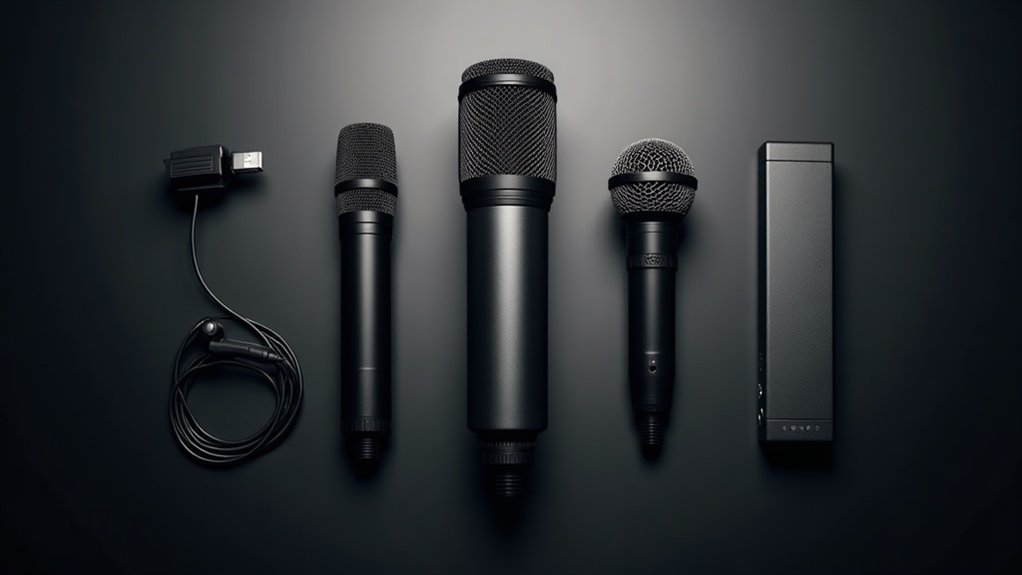
For streamers just starting out, affordable USB options integrate preamps directly, eliminating the need for external interfaces. These entry-level solutions represent the best microphone type for beginners seeking simplicity and cost-effectiveness.
However, understanding XLR alternatives prepares you for future upgrades. While USB mics offer convenience, exploring which microphone type delivers superior performance reveals that XLR-connected dynamics provide professional-grade flexibility and audio quality that evolve with your streaming demands. As you progress, knowing the differences between microphone types—from USB condensers to XLR dynamics—ensures you make informed decisions that match your specific streaming needs, budget, and growth trajectory.
Key Takeaways
- Dynamic microphones excel for streaming in untreated rooms due to superior noise rejection and focused cardioid pickup patterns.
- USB microphones offer plug-and-play simplicity with integrated preamps, ideal for beginners seeking immediate streaming capability without external interfaces.
- Condenser microphones capture detailed audio but require treated acoustic spaces, as they amplify environmental noise unsuitable for most streaming.
- XLR microphones provide professional-grade audio quality with balanced connections that reject interference, supporting scalable setups with mixers and preamps.
- Hybrid microphones like Shure MV7+ combine USB and XLR flexibility, allowing streamers to upgrade gradually without replacing equipment.
Best Microphone Type for Your Streaming Setup
Consider whether you need a dynamic microphone’s noise rejection for untreated rooms or a condenser’s detailed capture for controlled spaces. Your polar pattern—typically cardioid for single-voice isolation—directly impacts how effectively you reject ambient noise while maintaining professional sound. Most streaming microphones capture frequencies across a standard 20 Hz to 20 kHz range to ensure compatibility with typical audio equipment. Lower impedance levels, generally up to 600 ohms, are recommended for streaming to ensure optimal audio quality and compatibility with your equipment. USB microphones connect directly to your computer, while XLR microphones require an audio interface for professional-grade connectivity and control.
The right microphone type for streamers depends on your specific environment and budget. For gamers and creators working with limited space, dynamic mics excel at isolating your voice. Musicians and podcasters in treated rooms benefit from condensers’ sensitivity and frequency response.
Selecting the best streaming microphone type also means considering your growth trajectory. Entry-level USB options work well initially, but understanding XLR alternatives positions you for future upgrades.
Whether you’re a content creator, gamer, musician, or professional broadcaster, the ideal microphone type for your streaming needs balances immediate performance with long-term scalability.
Dynamic Mics vs. Condensers: Which Tolerates Your Room Better?
Your dynamic advantages come from lower microphone sensitivity, which naturally reduces pickup of reflections and ambient noise—a critical factor when comparing dynamic mics versus condensers for room tolerance. Condensers’ drawbacks become apparent in untreated spaces—their higher sensitivity captures room acoustics, HVAC hum, and keyboard clatter prominently.
Your recording techniques and placement strategies matter, but they can’t fully overcome poor sound isolation. Poorly treated rooms amplify unwanted noise with condenser microphones, making them unsuitable for most streaming environments. Dynamic microphones’ cardioid polar patterns provide focused pickup with side and rear rejection, further enhancing their ability to isolate your voice from room reflections.
When examining how dynamic mics vs. condensers perform in real-world streaming environments, the difference is striking. Dynamic mics used at 2–3 inches dominate your voice over room noise, while condensers at 5–6 inches amplify environmental detail. Cardioid microphones naturally excel in this application due to their directional sensitivity patterns that reject sound from unwanted angles.
For most streamers without acoustic treatment, understanding which mic type tolerates your room better—and choosing dynamic microphones accordingly—outweighs condenser detail capture. This distinction matters whether you’re a gamer, podcaster, musician, or content creator working in less-than-ideal acoustic conditions.
The question of dynamic versus condenser tolerance for untreated rooms ultimately comes down to practical performance: dynamic mics deliver consistent, isolated vocal capture where condensers would betray every room imperfection.
USB Mics: No Interface, No Headaches
You’ll appreciate how USB mics eliminate the need for external audio interfaces—they’ve got built-in preamplifiers and analog-to-digital converters that let you record directly to your computer.
This plug-and-play design cuts your setup time considerably; you’re connecting via USB, selecting the device in your streaming software, and adjusting basic gain settings without installing additional hardware or drivers. Recording at 44.1 or 48 kHz ensures your audio quality meets the requirements of major platforms like Spotify, YouTube, and Twitch. USB mics are ideal for most users who want to avoid the complexity of purchasing and configuring separate equipment.
The streamlined workflow makes USB mics your most efficient choice when you’re prioritizing speed and minimal desktop clutter. Unlike traditional setups, USB microphones connect directly to your computer with no external components required, making them perfect for anyone looking to start recording immediately.
Plug-And-Play Simplicity
USB microphones eliminate the complexity that typically accompanies professional audio setups, embodying true plug-and-play simplicity. You’ll appreciate how they integrate the preamplifier and analog-to-digital converter directly into the device, eliminating the need for separate interfaces or external equipment. This plug-and-play approach means you’re streaming within minutes of unboxing—no cable management headaches or audio chain complications. The affordable options available today deliver professional-quality voice capture with user-friendly features that don’t require technical expertise.
What makes this plug-and-play simplicity so transformative is how it democratizes content creation. Rather than wrestling with complex routing, gain staging, and driver installations, you’re capturing clean audio immediately. This simplicity extends across every stage of your buying journey—whether you’re comparing entry-level options or upgrading from your built-in laptop microphone, USB mics require zero additional setup complexity. Models like the Elgato Wave:3 and Multas AM8W feature integrated digital mixers that further simplify sound control without requiring external hardware. Features like Auto Level Mode and built-in noise gates automatically enhance your audio quality in real-time, requiring no manual adjustment during streams. The analog-to-digital conversion happens seamlessly within the microphone itself, ensuring your audio is ready to stream without any external processing required.
You’re joining thousands of streamers, podcasters, and gamers who’ve ditched the gear clutter and embraced streamlined workflows. For musicians recording demos and professionals handling voice-over work, this straightforward approach removes barriers to quality production.
Your desktop stays minimal, your setup stays straightforward, and you focus entirely on content creation rather than equipment troubleshooting. The plug-and-play simplicity that USB microphones provide means less time configuring audio chains and more time creating what matters.
Direct Computer Connection
The defining advantage of a direct computer connection through a USB microphone is its streamlined digital link to your computer—no separate audio interface required. You’re capturing audio digitally through USB, with analog-to-digital conversion happening inside the microphone itself. This direct digital connection eliminates gear complexity, making USB mics streaming essentials for creators who want fewer signal chain components.
A direct computer connection means you bypass traditional audio interfaces entirely. You’ll handle microphone placement without worrying about interface compatibility or cable management. The direct connection to computer architecture gives you immediate functionality after plugging in, allowing you to start streaming, podcasting, gaming, or recording without complex setup routines. Models like the Shure MV7+ deliver professional-quality audio through this simplified USB connection while maintaining the versatility needed for various content creation applications.
For creators, gamers, and musicians seeking affordable solutions, this direct computer microphone connection removes barriers to entry. You’re ready to record or stream immediately, giving you more time focusing on content quality rather than technical troubleshooting. USB microphones like dynamic cardioids are particularly effective in untreated spaces because they reject room noise while maintaining clear audio.
The computer-direct connection approach proves especially valuable during your buying journey—whether you’re evaluating budget microphones for podcasting, comparing streaming options, or setting up your first recording station. This straightforward direct connection technology represents one of the honest advantages of USB microphones over traditional setups.
XLR Mics: Going Professional
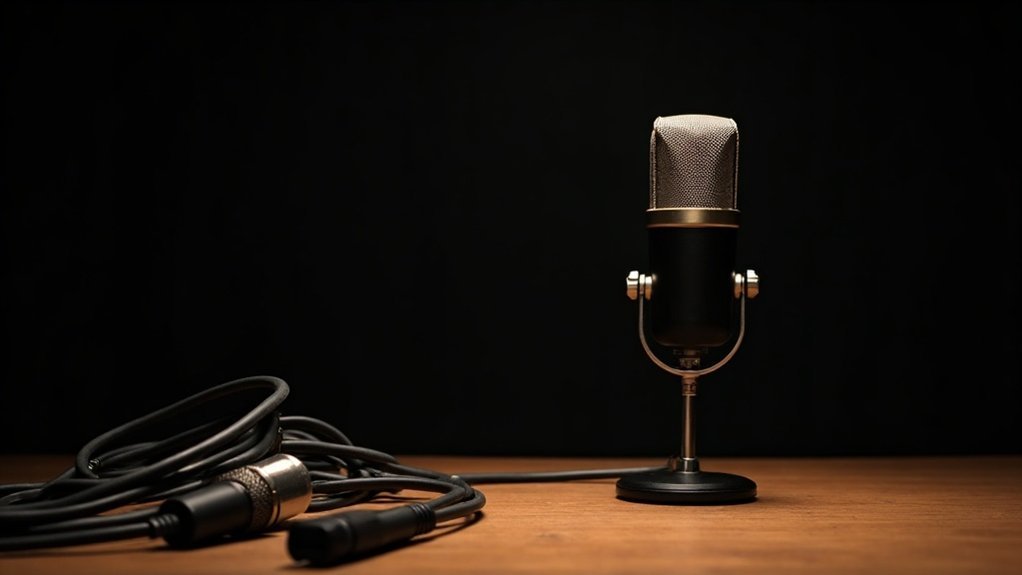
You’ll achieve superior audio quality through dedicated preamps delivering clean gain and lower noise floors. Balanced XLR connections reject EMI and RFI effectively, especially over longer cable runs. Your streaming advantages multiply: you’ll gain access to advanced audio processing, support multiple microphone inputs for guest content, and upgrade components independently.
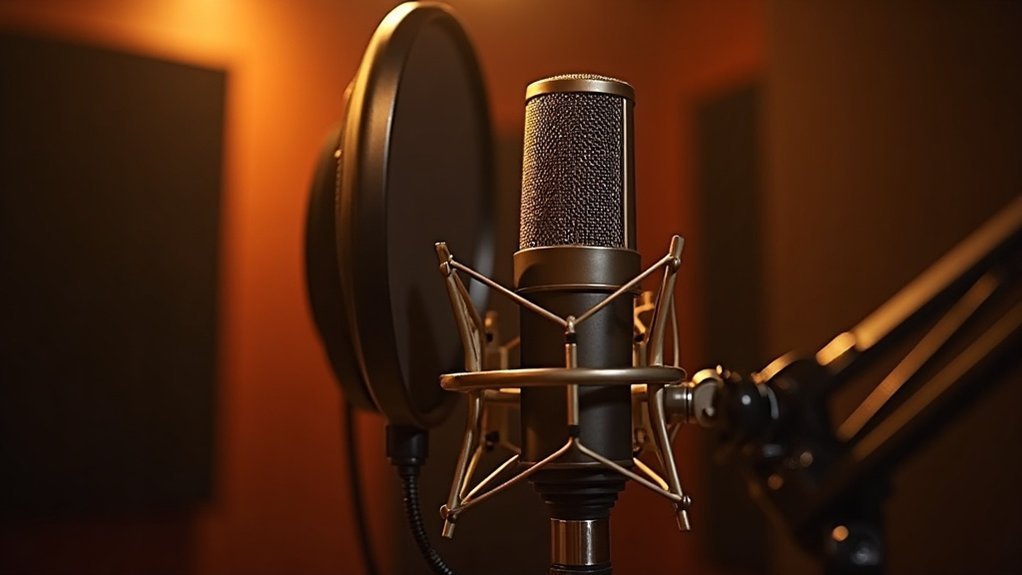
When going professional with XLR mics**, dynamic microphones like the Shure SM7B** offer robust noise rejection with warm broadcast character, while condensers provide detailed sound in treated rooms.
Dynamic mics like the SM7B deliver robust noise rejection and warm broadcast character, while condensers excel in treated rooms.
This transition from consumer-grade equipment to professional XLR microphones represents a significant leap in streaming quality. For creators and gamers looking to make this upgrade, understanding how XLR mics function within a professional workflow is essential. Musicians and podcasters especially benefit from the flexibility that professional-grade XLR microphone setups provide. Dedicated preamps in your audio interface play a critical role in the signal chain, amplifying your microphone’s output while maintaining signal integrity and minimizing noise.
The decision to invest in XLR mics for going professional**** should align with your room conditions and budget.
Whether you’re a streamer adding depth to your audio chain or a podcaster requiring multiple input sources, proper professional XLR mic selection ensures your setup scales with your ambitions.
This is why so many content creators view adopting XLR mics as a defining milestone in their journey toward broadcast-quality production.
Cardioid Patterns: Why Directionality Cuts Room Noise
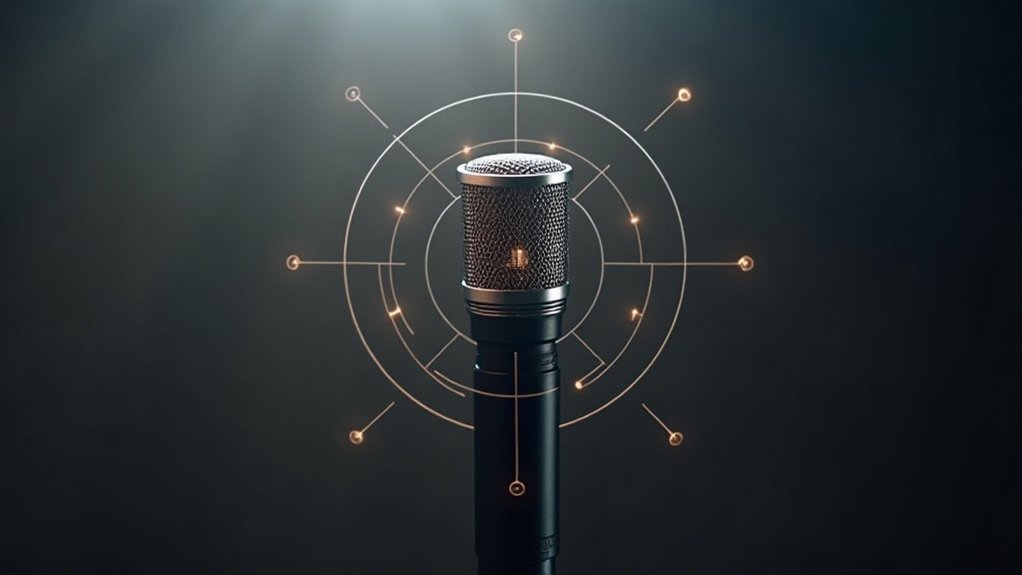
Cardioid patterns excel at noise rejection by capturing sound primarily from the front while rejecting sides and rear. This heart-shaped pickup zone reduces keyboard clatter, fan hum, and wall reflections by approximately 67%.
The science behind cardioid directionality and room noise reduction is straightforward: the pattern’s natural sensitivity curve actively suppresses ambient room sound. For even more aggressive noise rejection, supercardioid and hypercardioid microphones offer tighter pickup patterns that eliminate more off-axis sound, though they require more precise mic technique.
Your microphone placement matters equally to the pattern itself. Positioning the mic close to your mouth strengthens the direct signal relative to room ambience—a critical technique for creators and gamers working in untreated spaces.
Keep noise sources behind the capsule where cardioid rejection is strongest. This directional advantage means your background won’t bleed into your recordings.
This combination—cardioid directionality plus proper placement—delivers professional voice clarity without extensive room treatment. For streamers, podcasters, and musicians on a budget, leveraging why cardioid patterns cut room noise through smart mic positioning transforms even mediocre recording environments into usable spaces.
The result is cleaner audio that requires minimal post-production cleanup, giving you more time to focus on content creation rather than fighting your acoustics.
Top Picks by Streamer Type and Budget
When selecting top picks by streamer type, match your choice to your content category and growth trajectory. Gaming-focused creators favor compact designs like the HyperX QuadCast S with RGB styling; podcast-oriented broadcasters gravitate toward dynamic mics like the Rode PodMic USB; musicians prioritize clarity and low self-noise. Dynamic microphones excel at isolating your voice while rejecting ambient noise, making them particularly effective for streaming environments. Your investment should scale with your channel’s evolution, whether you’re launching your first stream or upgrading a professional setup.
| Budget Tier | Best Pick | Key Feature | Price |
|---|---|---|---|
| Entry ($50–$100) | FIFINE AM8 | USB/XLR dual-mode | $55 |
| Mid ($100–$200) | Shure MV6 | Voice isolation | $169 |
| Creator ($200–$350) | Shure MV7+ | Hybrid flexibility | $250 |
| Professional ($350+) | Shure SM7B | Broadcast standard | $400+ |
| Gaming-Focused | HyperX QuadCast S | RGB styling | $160 |
These streamer type and budget recommendations ensure you’re investing in the right microphone for your specific use case, content format, and financial situation—eliminating guesswork from your purchasing decision.
Ready to Upgrade? Moving From USB to XLR
You’ll find that upgrading to XLR makes sense when your streaming setup requires system growth—adding guest mics, instruments, or multi-source recording—rather than pursuing raw sound improvement alone.
Your shift hinges on acquiring an audio interface, which introduces both cost and configuration complexity, so you’ll want to evaluate whether your current USB mic is truly limited by connector features or by room acoustics and placement.
A USB microphone serves well for solo streaming but may lack the flexibility needed as your production demands evolve. A hybrid dual-mode microphone like the Shure MV7+ lets you adopt XLR when interface needs become priorities, allowing you to defer the full gear investment while maintaining compatibility with your existing workflow.
Why Upgrade To XLR
As your streaming demands grow beyond casual broadcasting, the limitations of USB microphones become increasingly apparent—particularly when it comes to gain staging control, audio quality, and the ability to refine your signal before it reaches your audience.
Why upgrade to XLR? Because XLR advantages deliver professional quality through superior audio clarity and dynamic performance. You’ll gain noise reduction capabilities via cardioid microphones paired with dedicated interfaces, enabling future proofing audio as your production evolves. A USB audio interface serves as the bridge between your microphone and computer, making the transition to XLR a natural progression toward greater control and flexibility.
The reasons to upgrade to XLR extend beyond basic functionality—this modular systems approach offers streaming flexibility and upgrade benefits that USB can’t match.
When considering whether to upgrade to XLR, understand that your investment creates a scalable foundation supporting external preamps, mixers, and processing tools. For creators and gamers serious about their audio, upgrading to XLR transforms a casual setup into a sound investment aligned with professional ambitions.
Whether you’re a podcaster, streamer, musician, or recording professional, the ability to expand your setup with quality components makes this transition worthwhile.
The decision to upgrade to XLR isn’t just about immediate improvements—it’s about building an adaptable foundation that grows with your needs. As your production demands increase, this microphone ecosystem supports the refinement and professional-grade capabilities that separate serious creators from hobbyists.
Compatibility And Interface Needs
4. Interface costs greatly impact your total system investment.
When evaluating microphone compatibility and interface needs****, assess how your current setup handles analog versus digital signals. XLR microphones utilize three-pin connectors that standardize professional audio connections across broadcasting equipment.
Your streaming infrastructure’s compatibility with interface specifications determines whether an upgrade makes financial and technical sense.
You’re joining streamers who recognize that upgrading means investing in both hardware and workflow sophistication—a commitment that separates casual broadcasters from serious creators.
Whether you’re a podcaster, gamer, or musician, understanding these compatibility and interface considerations ensures your affordable microphone choice scales with your ambitions without costly replacements down the line.
Gradual Expansion Path Strategy
Start with a reliable USB mic for frictionless entry. When you need multiple inputs, guest capability, or plan interface ownership, shift to hybrid microphones like the Shure MV7+ or Rode PodMic USB.
This gradual expansion approach to equipment purchasing avoids costly restarts—your hybrid mic works both ways, letting you test XLR performance before full commitment. Note that XLR microphones cannot connect directly to your computer without an audio interface, which is an important consideration when planning your upgrade path.
A gradual expansion path keeps you competitive without wasteful equipment churn. Add an interface only when your workflow demands it, following this incremental microphone buying strategy.
This phased expansion path strategy means you’re not overextending your budget on day one.
Whether you’re building a podcast setup, gaming stream, or professional recording station, a gradual expansion microphone strategy ensures each purchase justifies itself through actual use before moving to the next tier.