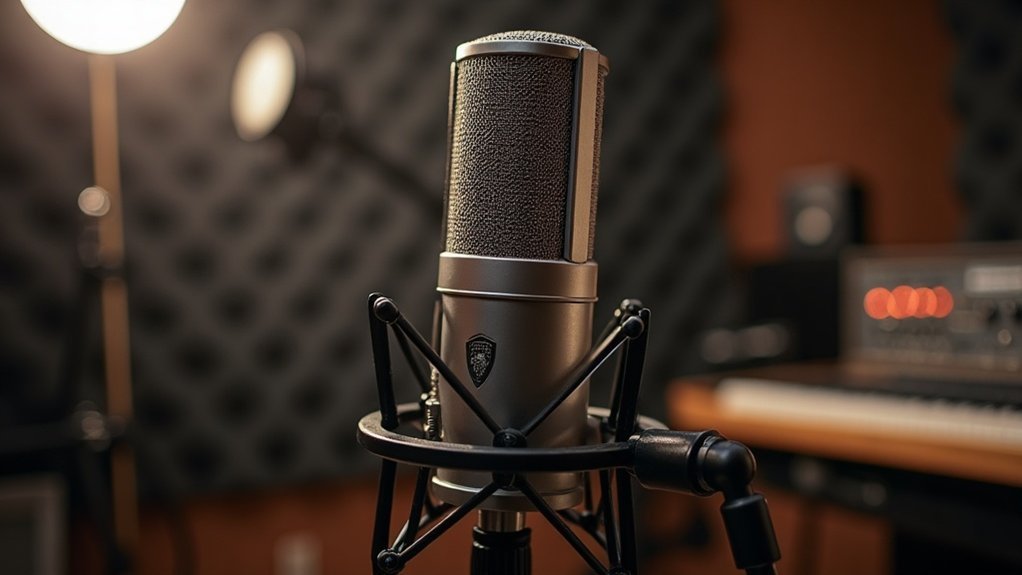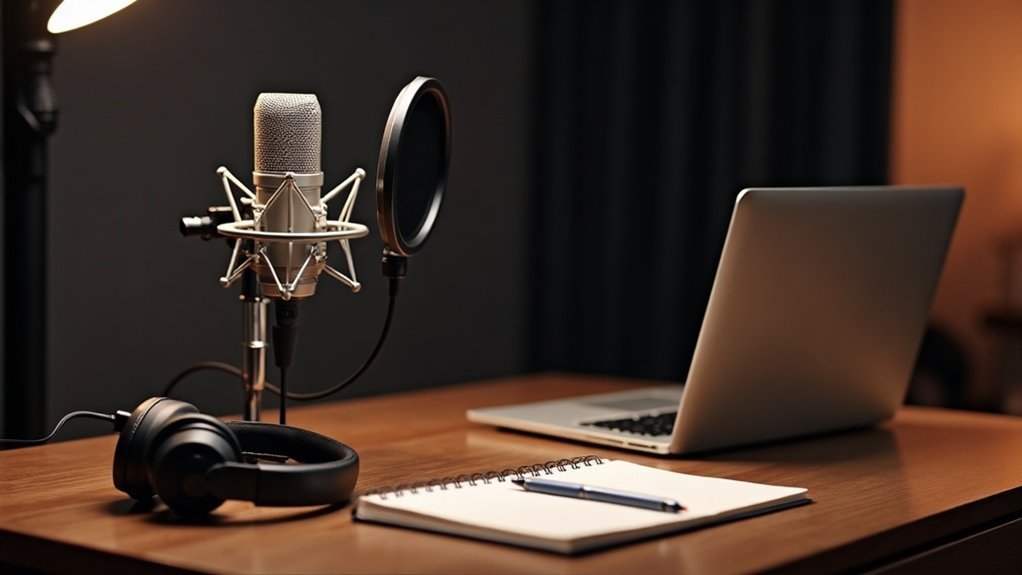
To start a podcast, you’ll need a good microphone, quality headphones, and reliable recording software. When considering what equipment you need to start a podcast, choose between dynamic and condenser mics based on your environment. Opt for closed-back headphones to monitor your audio without bleed. Create a quiet space, add essential accessories like pop filters and shock mounts, and consider integrating video for a more engaging format. By mastering these basics of what equipment you need to start a podcast, you’ll set the stage for successful podcasting—discover more tips to enhance your setup!
Key Takeaways
- Select the Right Microphone: Choose between dynamic and condenser microphones based on your recording environment and needs, considering USB for beginners or XLR for professionals.
- Invest in Quality Headphones: Use closed-back headphones with a driver size of at least 40 mm for accurate monitoring and comfort during long sessions.
- Choose Recording Software: Opt for user-friendly software like Audacity or GarageBand that supports multitrack editing and remote interviews for an enhanced production experience.
- Create a Quiet Recording Space: Select an interior room, use soundproofing techniques, and minimize external noise to ensure high-quality audio recordings.
- Incorporate Video Integration: Use quality cameras and implement proper lighting to enhance your podcast’s visual appeal while ensuring smooth editing workflows.
Choosing the Right Microphone for Your Podcast Needs
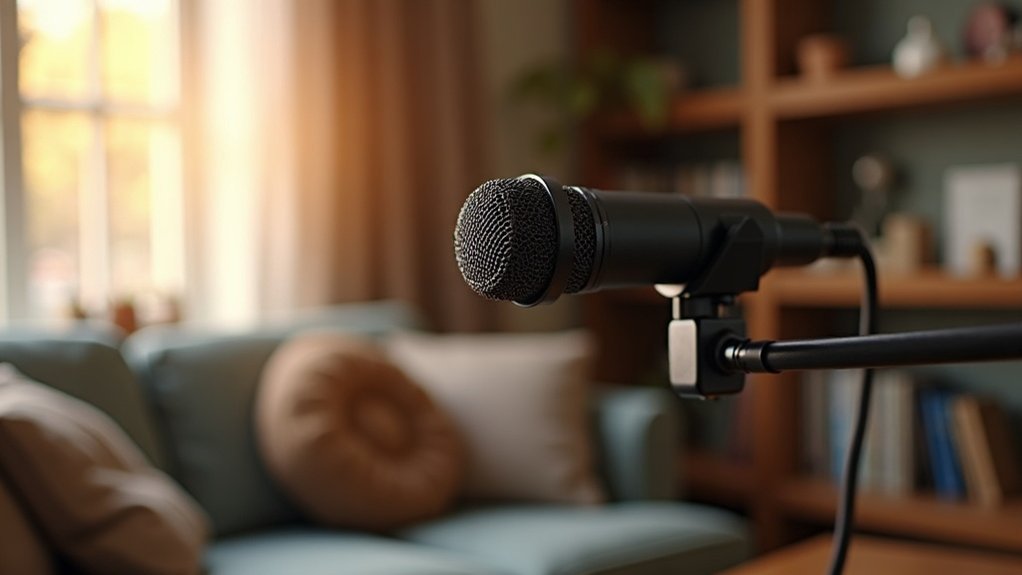
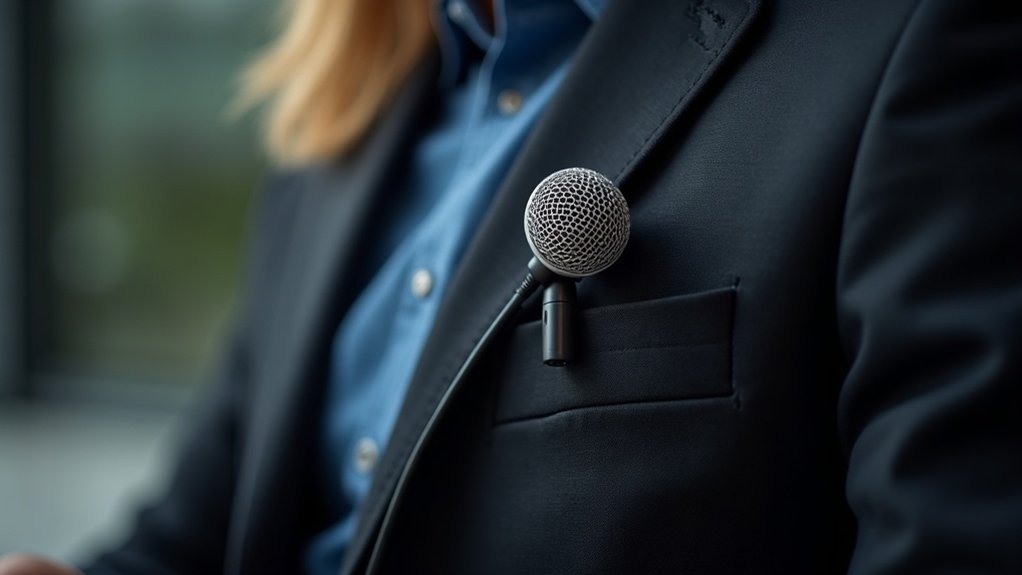
When you’re choosing the right microphone for your podcast needs, it’s crucial to take into account your recording environment and style. Dynamic microphones are robust and ideal for untreated rooms, while condenser microphones excel in capturing detail in quieter spaces. Because of their durability, dynamic microphones are often preferred in live settings. If simplicity is your preference, consider USB connectivity; however, XLR options offer advantages for more professional setups. As you navigate the process of selecting a microphone for your podcast, pay attention to pickup patterns. Cardioid mics are excellent for solo vocals, while omnidirectional microphones work well for group discussions. Additionally, be mindful of frequency response and sensitivity levels, as these factors significantly influence your voice’s clarity. The Shure MV7 is regarded as the best microphone for podcasting due to its professional sound quality and versatility. Investing in dynamic XLR microphones will help minimize self-noise issues and greatly enhance your overall sound quality, making your podcast more enjoyable for your audience.
Top Headphones for Effective Monitoring
Selecting the right headphones is essential for effective monitoring during your podcasting sessions, particularly since the quality of your audio can significantly influence listener engagement. When it comes to top headphones for effective monitoring, closed-back, wired options are preferable as they prevent audio bleed and ensure recording clarity. Look for models featuring a driver size of at least 40 mm and a frequency response of 20 Hz–20 kHz for accurate sound reproduction. Comfort and isolation performance should be prioritized, especially during lengthy editing sessions. Wired headphones are crucial for eliminating latency issues, enhancing editing accuracy, making them a top choice among headphones for effective monitoring. Additionally, troubleshooting low microphone volume can be easier when you have a good monitoring setup. Budget considerations also play a crucial role—options like Sony MDR-7506 or Audio-Technica ATH-M50x provide excellent value without compromising quality. Additionally, wired connections enhance editing accuracy by eliminating latency issues, making them a top choice among headphones for effective monitoring. Many of the best podcast headphones available are designed specifically for prolonged use, ensuring comfort during extended sessions.
Best Recording Software for Podcasters
When it comes to recording software, choosing the right tool can make all the difference in your podcasting journey. You’ll find several top free options, each offering unique features tailored to your needs. A survey of 500+ creators revealed insights into podcast recording software preferences. Many professional podcasters prioritize high audio quality when selecting their software, ensuring their recordings sound polished and professional. Additionally, it’s crucial to consider how your USB audio interface interacts with the software, as this can significantly affect your audio’s fidelity. Let’s explore what to take into account when selecting the best recording software for your podcasting setup.
Top Free Options
Finding the right recording software is essential for podcasters, especially those on a budget. When exploring the top free options, you’ll discover valuable tools that can elevate your podcasting experience without breaking the bank. Here are some standout choices to consider:
| Software | Best For | Key Features |
|---|---|---|
| Audacity | Multitrack editing | Open-source, flexible |
| GarageBand | Apple users | Simple workflow |
| Adobe Podcast Studio | Quick online recordings | AI cleanup tools |
These top free options not only deliver great sound quality but also support remote interviews, helping you steer clear of common beginner mistakes. Additionally, understanding how USB microphones function can further enhance your recording quality and overall experience. Tools like Riverside.fm can be particularly beneficial for recording high-quality audio with remote guests. As you navigate through software comparisons, keep in mind that the best free options can significantly enhance your podcasting journey across various platforms, especially with features like automatic transcription that minimize mistakes. Explore these tools to find your ideal fit and make the most of your podcasting experience on a budget!
Features to Consider
Choosing the right recording software can greatly impact your podcasting experience, especially as you immerse yourself in the intricacies of audio production. When considering options, ensure they align with your operating system and provide essential features for recording, such as multitrack recording and real-time audio processing. If you plan to collaborate with remote guests, look for software that includes robust collaboration tools and easy file sharing. High-quality audio is a must in any podcast, so prioritize noise reduction capabilities and support for lossless audio formats. Additionally, many recording software options are designed to work seamlessly with an audio interface, enhancing your overall sound quality and ensuring a professional recording setup. When navigating the landscape of affordable microphones for podcasting, evaluate the pricing plans and user-friendliness of the software, ensuring it can adapt and grow with your podcasting journey. Remember that the quality of content relies on both software and hardware.
Building a Quiet Recording Space
To create a quiet recording space, selecting the right environment is essential. Choose an interior room with minimal windows and away from noisy appliances to ensure optimal sound quality. Utilizing soundproofing techniques like sealing gaps and adding heavy materials will help block external noise, making your quiet recording space even more effective. Acoustic panels can play a vital role in treating a room by controlling echoes and improving sound clarity. Here’s a quick guide:
| Room Feature | Benefits | Tips |
|---|---|---|
| Location | Reduces household noise | Pick a room away from traffic |
| Acoustic Treatment | Controls reflections | Install sound panels or use heavy curtains |
| Noise Management | Minimizes distractions | Power down electronics before recording |
Essential Accessories for Superior Audio Quality
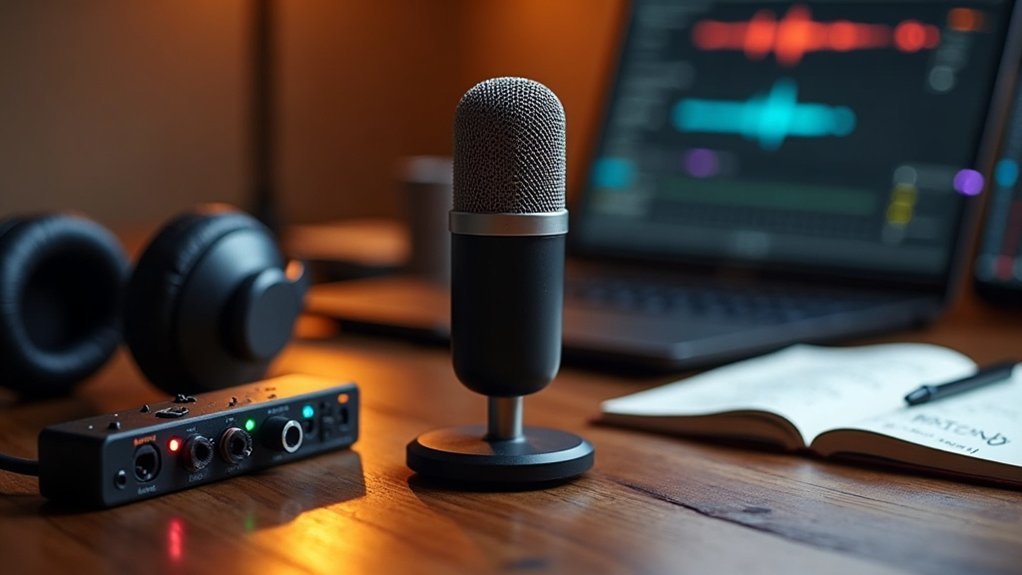
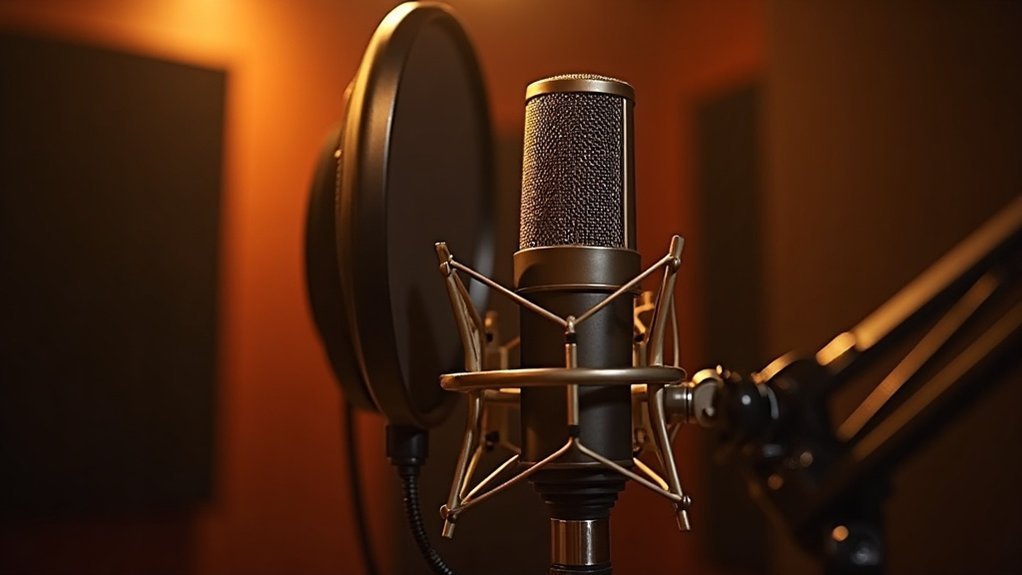
Invest in pop filters and windscreens to reduce plosive sounds and enhance speech clarity. Pair these with shock mounts to minimize vibrations and guarantee consistent mic positioning.
Invest in pop filters and shock mounts to enhance clarity and minimize vibrations for superior audio quality.
Utilize high-quality audio interfaces and gain boosters for optimal signal clarity. Don’t overlook closed-back headphones and headphone amplifiers for real-time monitoring, as these are critical components in achieving superior audio quality.
Finally, practice good cable management to prevent noise and interruptions. Additionally, incorporating pop filters in your setup can significantly improve vocal recordings by eliminating unwanted sounds.
How to Streamline Your Podcast Production
Streamlining your podcast production not only saves time but also enhances the overall quality of your show. By focusing on how to streamline your podcast production, you can implement effective strategies that boost your efficiency and maintain a smooth content workflow.
Here are some tips to consider:
- Develop a structured content calendar for effective pre-production planning, ensuring your episodes are well-organized.
- Batch record episodes to minimize context switching during your recording sessions, a key aspect of streamlining the podcast production process.
- Utilize collaborative tools for guest scheduling and script sharing, making communication seamless and efficient.
- Establish standardized workflows and checklists to reduce errors, which is essential when looking to streamline your podcast production.
- Take advantage of automation for tasks like editing and promotion, further enhancing your ability to streamline your podcast production efforts.
- Incorporate an audio interface in your setup to ensure high-quality sound capture, which is crucial for a professional-sounding podcast.
Integrating Video Into Your Podcast
Integrating video into your podcast can elevate your content and engage your audience in new ways.
You’ll need to contemplate essential video equipment, set up proper lighting and backgrounds, and master the editing process to create polished episodes.
Let’s explore how these elements come together to enhance your video podcasting experience.
Essential Video Equipment
Essential Video Equipment plays a pivotal role in elevating your podcast, making it more engaging for viewers. To get started with the right Essential Video Equipment, consider these must-have items:
- Camera types: Choose from DSLR, mirrorless, camcorder, or smartphone. Each option can significantly enhance your video quality.
- Lens selection: Opt for wide to standard prime lenses to capture the scene effectively, ensuring your visuals are captivating.
- Framing techniques: Use fixed, eye-level positioning for stability, an essential aspect of effective video equipment setup.
- Power solutions: Employ AC adapters or dummy batteries for uninterrupted recording, which is crucial when you’re focused on creating content.
- Editing software: Select reliable tools that handle 1080p video quality, ensuring your final product reflects the high standards of your essential video equipment.
With the right setup and essential video equipment in place, you’ll guarantee smooth recording and enchanting visuals that keep your audience coming back for more!
Investing in this essential video equipment won’t only enhance the quality of your podcast but also create a more immersive experience for your viewers.
Lighting and Background Setup
While you might focus on audio quality in your podcast, lighting and background setup can transform your video presentation into a visually engaging experience.
Employing lighting techniques like three-point lighting enhances color consistency and softens shadows, making your face the focal point. Position your key light 30–45° off-axis for depth, while using fill lights to soften harsh shadows.
Accent lighting adds personality to your background aesthetics, creating visual depth without overwhelming your subject. Additionally, ensuring that your ambient adjustment maintains a balance is crucial, preventing distractions from uncontrolled light sources.
An intentional lighting and background setup can elevate your podcast, making viewers feel more connected to you. By focusing on these elements, you can create a more professional and inviting atmosphere that complements your audio quality.
Editing Video Content
Editing video content for your podcast can greatly enhance viewer engagement and comprehension. When you focus on editing video content for your podcast, you’ll discover key techniques to improve your production quality:
- Video editing tools like DaVinci Resolve and Adobe Podcast can streamline your workflow.
- Audio synchronization for cleaner sound using separate tracks is crucial for a professional finish.
- Color grading enhances visual quality and aesthetics, making your podcast visually appealing.
- Multicam editing allows for dynamic conversation angles, keeping your audience engaged.
- Graphic overlays help identify speakers and topics, adding clarity to your content.
Utilizing these elements effectively can optimize your workflow and improve pacing. Additionally, consider the benefits of using USB vs. XLR microphones to elevate your audio quality for video recordings.
Remember to adjust your export settings for both video and audio formats, ensuring a polished final product that resonates with your audience.
Happy editing, and may your journey in editing video content for your podcast be rewarding!
Budgeting Your Podcasting Setup
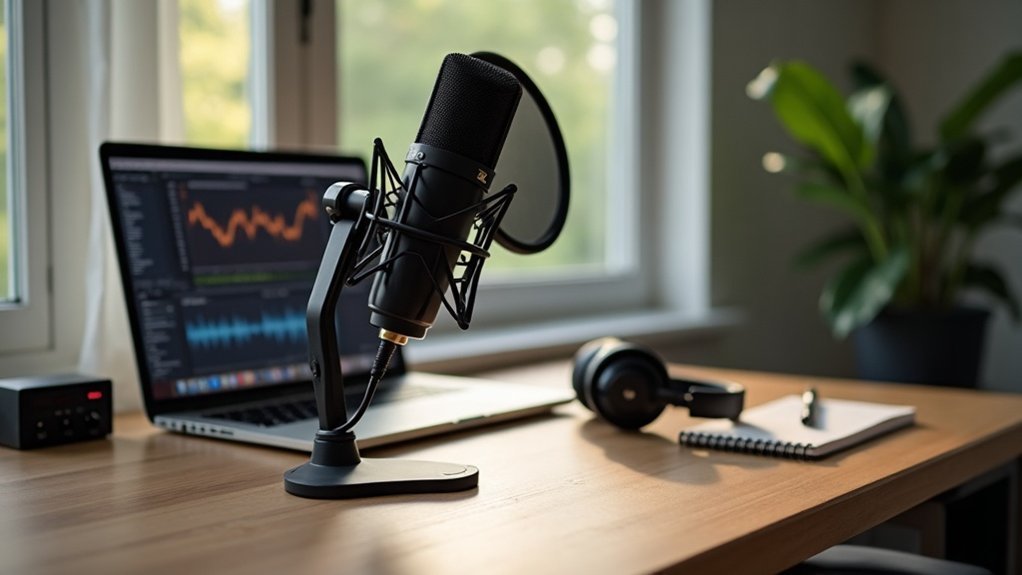
When you’re diving into podcasting, budgeting your podcasting setup can seem challenging, but it doesn’t have to be. Start by identifying your budget tiers and prioritize essential equipment like a microphone and headphones. Additionally, consider recurring costs such as hosting and editing software. Here’s a quick overview to guide your planning for budgeting your podcasting setup:
| Budget Tier | Estimated Cost |
|---|---|
| Free Setup | $0 |
| Low-Budget Setup | $70–$300 |
| Mid-Range Setup | $150–$700 |
| Professional Setup | $1,000+ |
| Annual Budgeting | Up to $1,500+ |
Choosing the right type of microphone can significantly impact the quality of your podcast, so it’s worth investing time in research.